
How to Translate Zoom Meetings in Real-Time (Without a Bot)
You're about to join a Zoom call with international colleagues or clients. The conversation will flow between English and another language—maybe Japanese, Spanish, or Mandarin. You need real-time translation to keep up, but there's a problem: most translation tools add a bot to your meeting.
For internal team calls, a bot might be fine. But in client meetings, 1-on-1s, or sensitive discussions, seeing "AI Notetaker" or "Translation Bot" in the participant list changes the dynamic. People speak differently when they know a third party is recording. Some organizations even have policies against bots in external calls.
The good news: there are effective ways to translate Zoom meetings in real-time without any bot joining your call. This guide covers your options—from Zoom's built-in features to dedicated translation apps that work invisibly in the background.
Why "No Bot" Matters for Professional Meetings
Before diving into solutions, let's be clear about why botless translation matters:
Client perception. When a potential client sees an unfamiliar participant join the call, their first reaction is often suspicion—even if you explain it's just a translation tool. This breaks rapport at exactly the moment you want to build trust.
Confidentiality concerns. Some industries—legal, healthcare, finance—have strict policies about third-party access to conversations. A bot that joins as a meeting participant may violate these policies, even if the tool is compliant with security standards.
Natural conversation flow. People self-censor when they know they're being recorded by an external service. In negotiations, brainstorming sessions, or honest feedback discussions, this can undermine the entire purpose of the meeting.
IT policies. Many organizations explicitly prohibit bots from joining meetings with external parties. If you need translation support, you need a solution that works entirely on your side.
Option 1: Zoom's Built-In Translated Captions
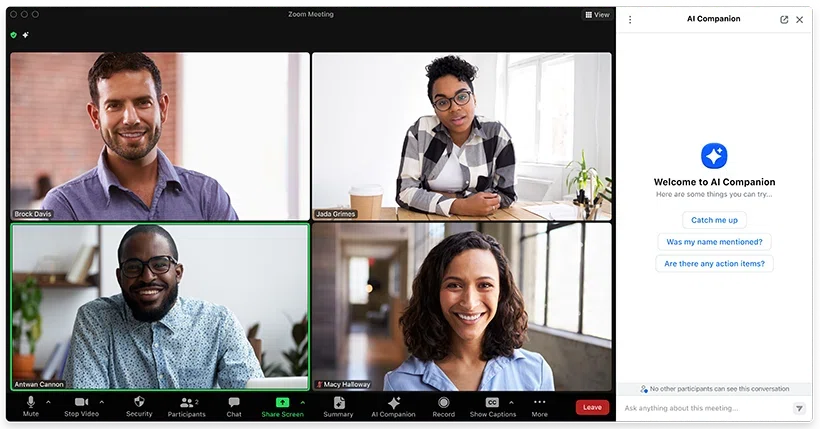
Zoom's native solution is the most straightforward place to start. Translated captions automatically transcribe spoken language and display translations in real time—no external tools required.
How It Works
During a Zoom meeting, you can enable translated captions through the meeting controls. Zoom detects the spoken language and displays translated text at the bottom of your screen. As of late 2025, Zoom supports 46 languages for translated captions.
In December 2025, Zoom also launched real-time voice translation through AI Companion 3.0, allowing participants to hear speech translated into their preferred language—not just read captions.
Advantages
- No additional software. If your organization already uses Zoom, there's nothing new to install or configure.
- Invisible to others. Translated captions appear only on your screen; other participants don't see your caption settings.
- Improving accuracy. AI Companion 3.0 delivers better transcription and translation quality than previous versions.
Limitations
- Requires specific plans. Translated captions are included with Zoom Workplace Business Plus, Premier, and Enterprise plans. For other paid plans, it's a $5/month add-on per license. Free accounts don't have access.
- Only works in Zoom. If your client prefers Google Meet or Teams, you'll need a different solution.
- Caption-only display. Captions appear within the Zoom interface, limiting your ability to arrange screen layouts or keep translations visible while sharing your screen.
Pricing
- Included in Business Plus, Premier, and Enterprise plans
- $5/month add-on for Pro and Business plans
- Not available on free plans
Option 2: Third-Party Translation Apps (Botless)
If Zoom's native features don't meet your needs—whether due to plan limitations, platform flexibility, or feature requirements—several third-party apps provide real-time translation without joining your meeting as a bot.
These tools capture audio directly from your computer's speakers and microphone, running entirely on your device. Other participants have no idea you're using translation assistance.
SuperIntern — Platform-Agnostic Translation with Real-Time Notes
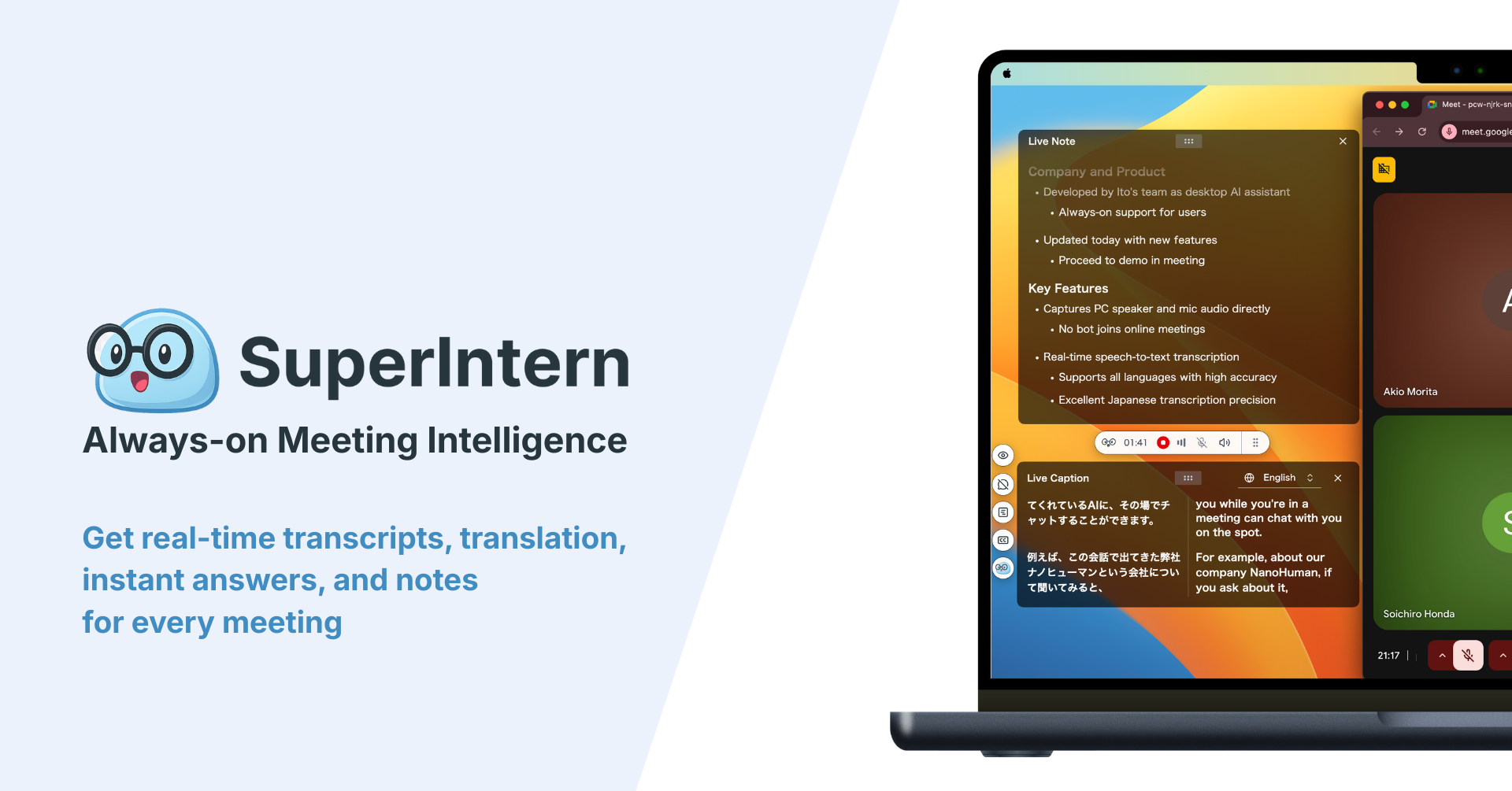
SuperIntern is designed as "meeting intelligence you can keep always-on." It runs as a resident application on Mac, capturing audio directly from your system without any bot joining your calls.
Key features:
- True botless operation — captures audio from speakers + microphone; no participant appears in your meeting
- 50+ languages with real-time translation optimized for business contexts
- Real-time structured notes that update alongside the conversation
- Custom dictionary for company names, product names, and technical terminology
- Platform-agnostic — works with Zoom, Teams, Meet, Webex, or any audio source
What works well:
- Translation accuracy is exceptionally high compared to other tools we've tested
- The same experience across all meeting platforms—no switching tools based on which app you're using
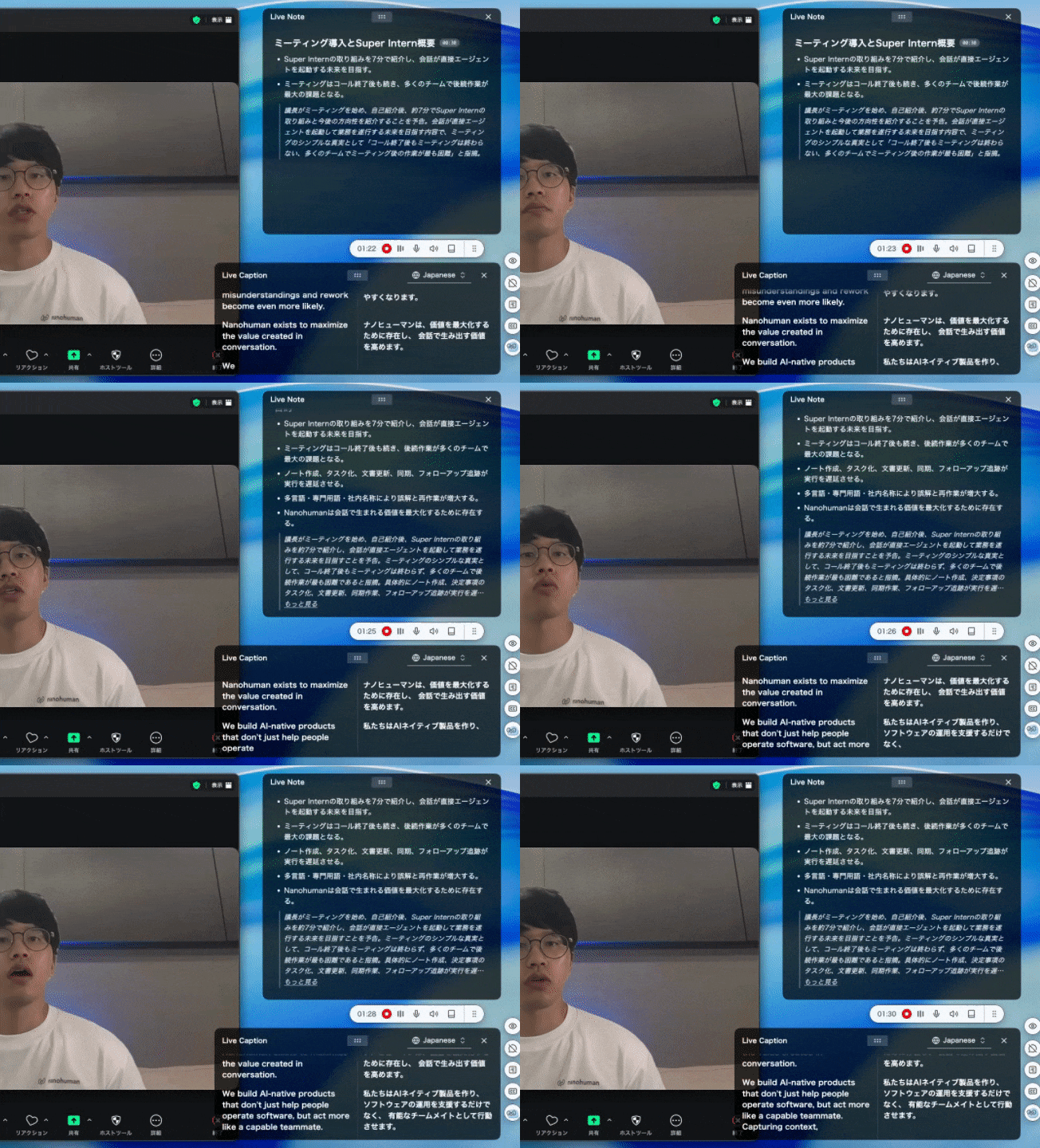
- You can set different languages for subtitles vs. summaries (e.g., Japanese audio → Japanese + English subtitles → English summary)
- Custom dictionary significantly reduces errors on proper nouns
- Works for in-person meetings too—just enable microphone capture
What to consider:
- Currently Mac-only; Windows version is in development
- Team and enterprise pricing requires contacting the company
Pricing: Free trial available; paid plan at $20/month includes 50 hours (pay-as-you-go for additional usage)
Felo Subtitles — Browser-Based Translation with ChatGPT
Felo Subtitles is a Chrome extension that provides real-time transcription and translation for browser-based meetings. It's powered by ChatGPT and OpenAI technology.
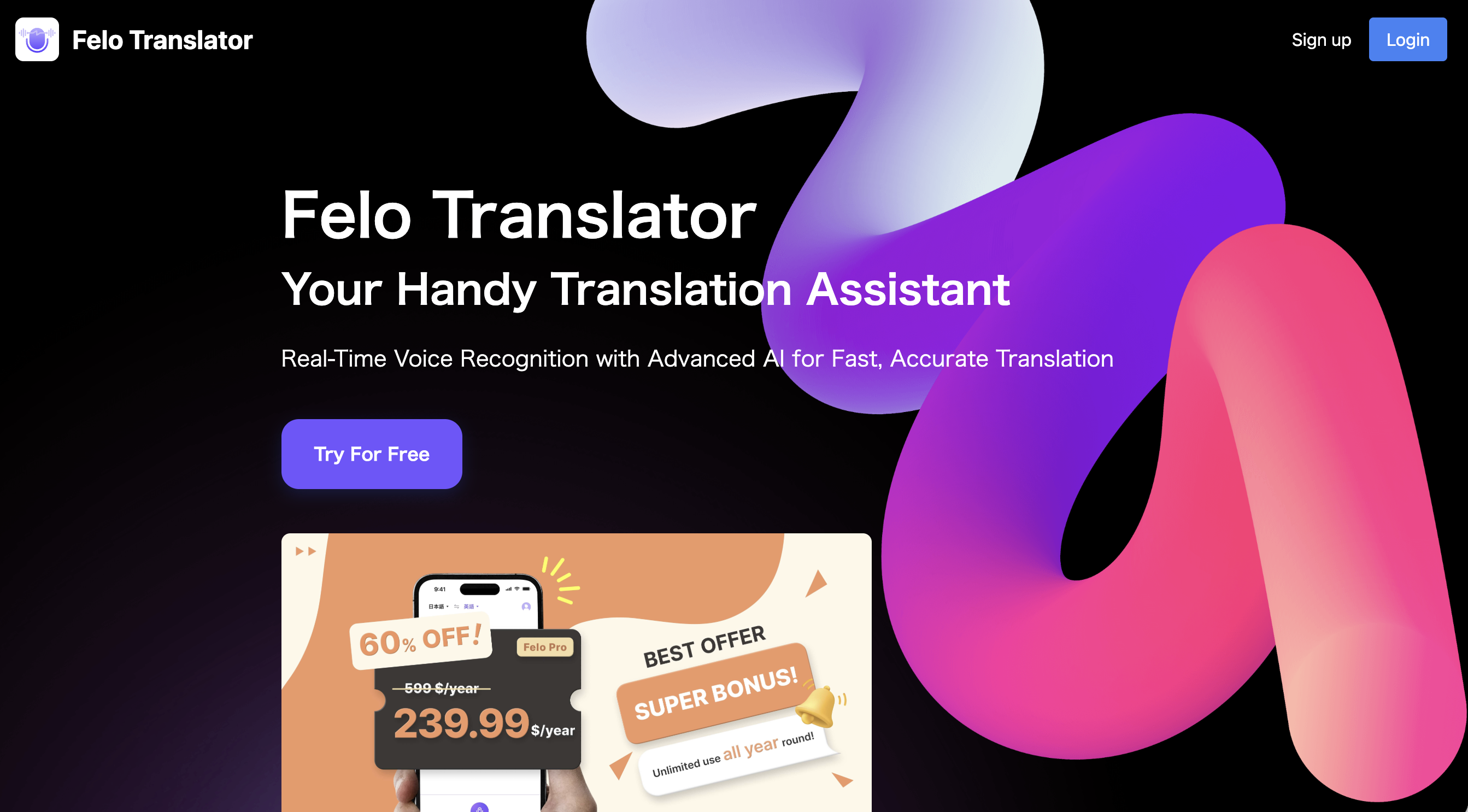
Key features:
- Works with Zoom (web version), Google Meet, and Teams
- Supports 12 major languages with automatic detection
- Bilingual subtitle display
- Meeting transcript storage within your browser
What works well:
- No meeting bot—translation happens entirely in your browser
- V3 update (January 2026) improved stability and added native platform support
What to consider:
- Requires joining Zoom via browser rather than desktop app
- Fewer supported languages compared to some alternatives
Pricing: $59.9/month for Pro plan
Transync AI — Voice Translation with Audio Output
Transync AI offers both caption-based translation and voice translation, providing an experience closer to having a human interpreter.
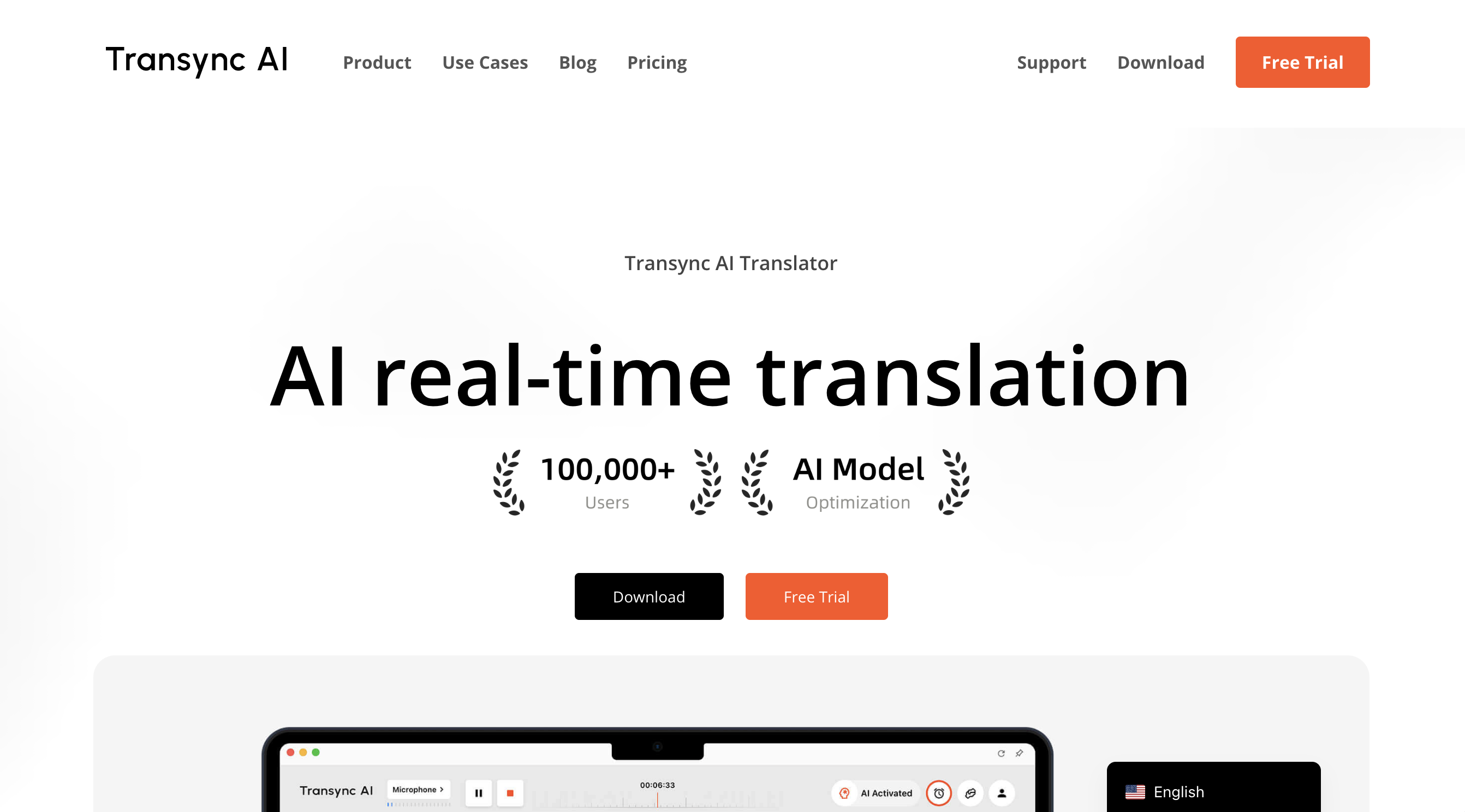
Key features:
- 60+ languages with 1,770+ language pairs
- Voice translation that speaks translations aloud
- Works across Zoom, Teams, Google Meet, and other platforms
- Desktop and mobile apps available
What works well:
- Voice output helps those who struggle to keep up with reading subtitles
- Meeting host sharing enables all participants to see/hear translations without installing anything
- Less than 100ms latency for real-time feel
What to consider:
- Voice playback practically requires headphones—managing original audio, interpretation, and your own thoughts is cognitively demanding
- Host-side translation sharing means host bears all usage minutes
Pricing: Starting at $8.99/month with 10 hours included
JotMe — Translation Plus AI Meeting Notes
JotMe combines live translation with AI-generated meeting notes and summaries. It works via Chrome extension or desktop app, capturing system audio without joining as a bot.
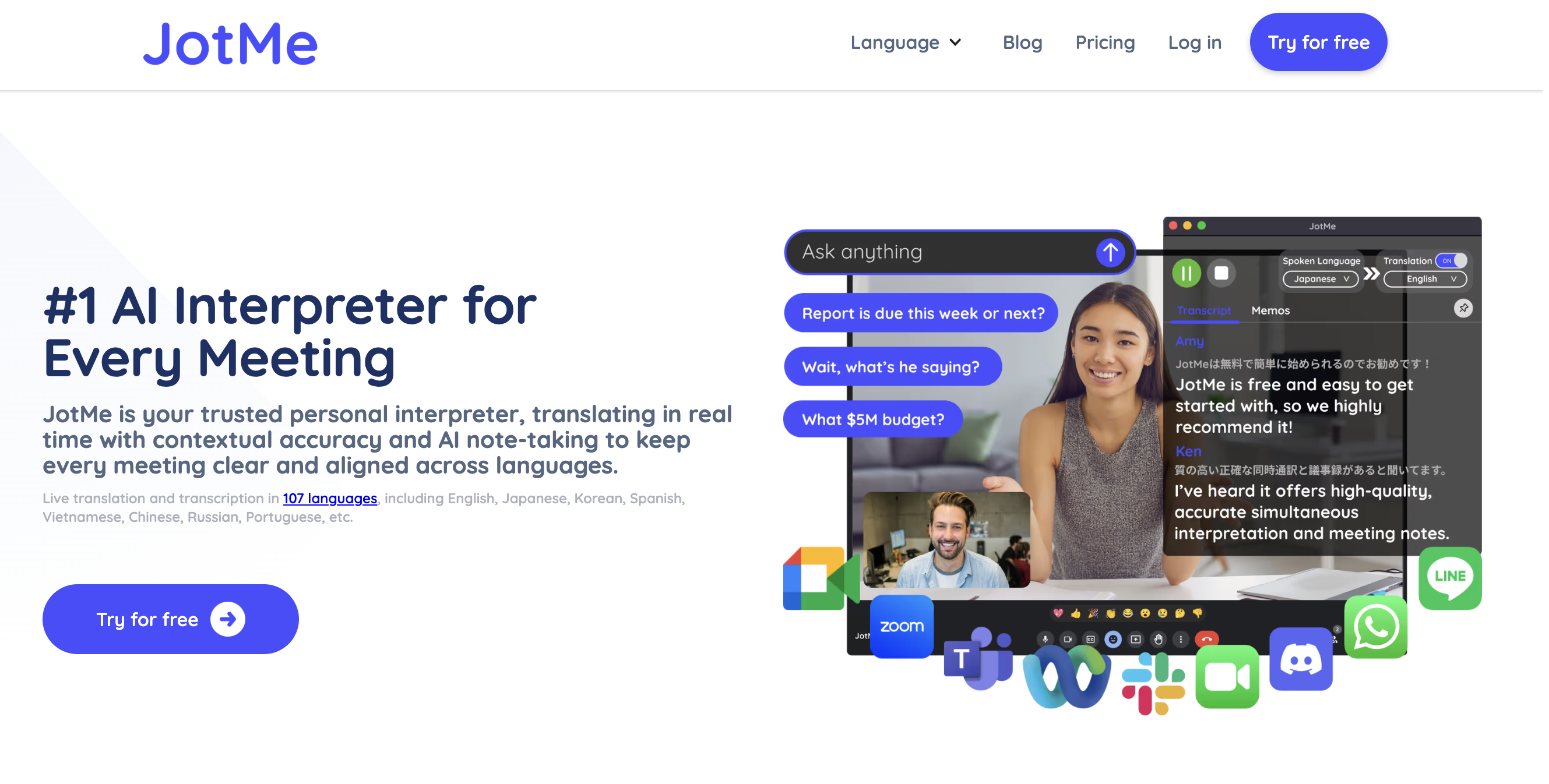
Key features:
- 45 languages via desktop app, 77 via Chrome extension
- Real-time translation and transcription
- AI chat for asking questions during meetings
- Automatic meeting summaries with action items
What works well:
- Combines translation and note-taking in one tool
- Bot-free—captures audio directly from your system
- Good accuracy for major language pairs
What to consider:
- Mobile app still in development
- Translation quality varies by language pair
Pricing: Free tier (20 min/month translation), Pro at $10/month (3 hours), Premium at $15/month (8 hours)
Krisp — Noise Cancellation with Translation
Krisp is primarily known for AI noise cancellation but has expanded into real-time translation with their AI Voice Translation feature.
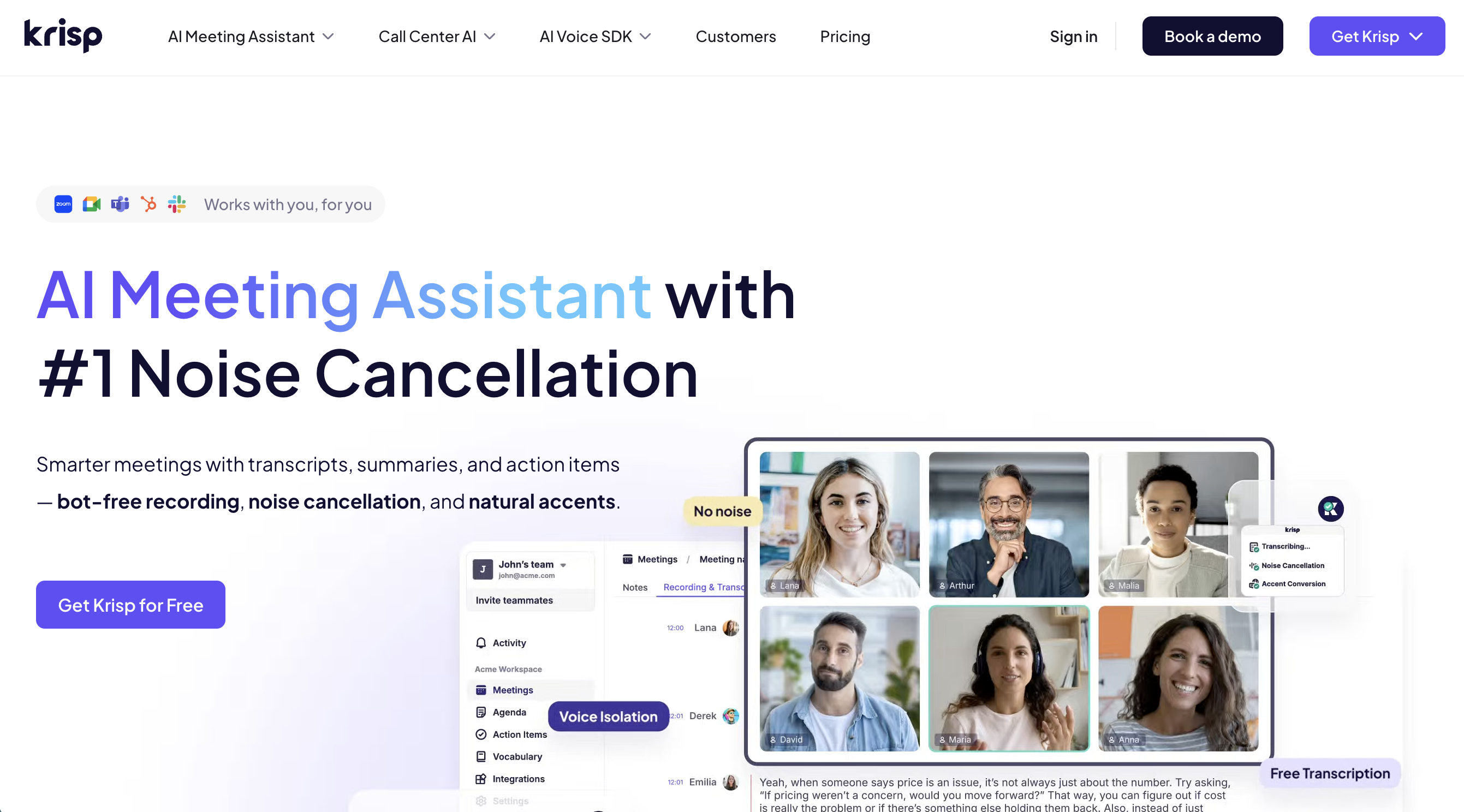
Key features:
- 80+ language support for translation
- Bidirectional voice translation
- Integrated noise cancellation for clear translated audio
- Bot-free recording and transcription
What works well:
- If you already use Krisp for noise cancellation, translation is a natural extension
- Enterprise-focused with strong admin controls
- Privacy-first design with no third-party LSP involvement
What to consider:
- Translation features are more focused on call centers and customer service than general meetings
Pricing: 7-day free trial; Pro plan at $16/month
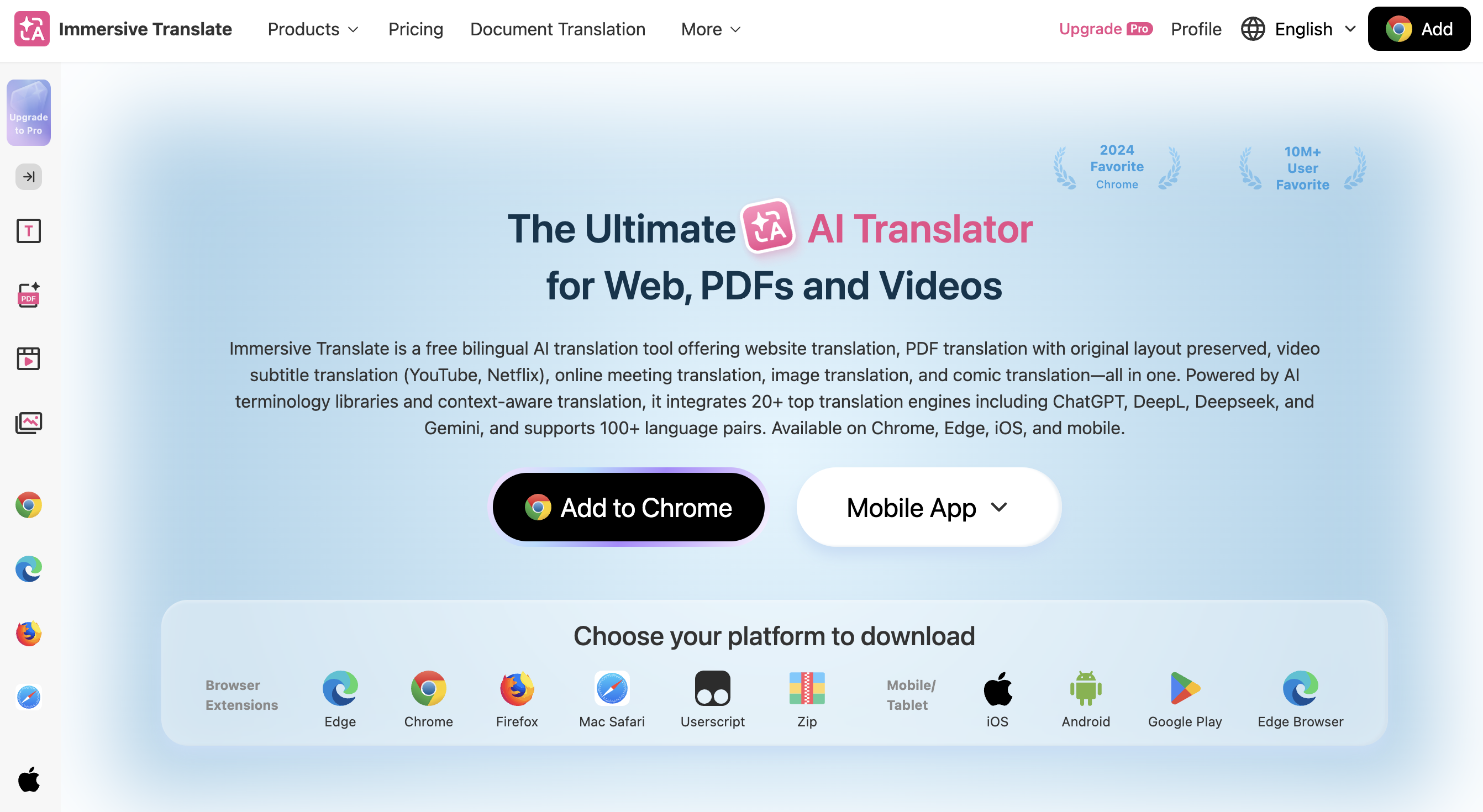
Immersive Translate — Browser Extension for Video Translation
Immersive Translate started as a tool for bilingual website and video translation, and has expanded to support meeting translation through its browser extension.
Key features:
- Real-time subtitle translation for Zoom, Meet, and Teams (web versions)
- Bilingual subtitle display
- Powered by multiple translation engines including ChatGPT, DeepL, and Gemini
What works well:
- Extremely flexible—works across video platforms, websites, PDFs, and meetings
- If you already use it for YouTube or web content, meetings are a natural extension
- Highly customizable display options
What to consider:
- Requires browser-based meeting participation (not desktop apps)
- Feature richness can be overwhelming for users who just want simple meeting translation
Pricing: Starting from $14.99/month
Comparison: Which Botless Translation Tool Is Right for You?
| Feature | Zoom Native | SuperIntern | Felo | Transync AI | JotMe | Krisp | Immersive Translate |
|---|---|---|---|---|---|---|---|
| Bot-free | ✓ | ✓ | ✓ | ✓ | ✓ | ✓ | ✓ |
| Works with Zoom desktop app | ✓ | ✓ | ✗ | ✓ | ✓ | ✓ | ✗ |
| Works with other platforms | ✗ | ✓ | ✓ | ✓ | ✓ | ✓ | ✓ |
| Languages | 46 | 50+ | 12 | 60+ | 45-77 | 80+ | 100+ |
| Voice translation | ✓ (new) | ✗ | ✗ | ✓ | ✗ | ✓ | ✗ |
| Real-time notes | ✗ | ✓ | ✗ | ✓ | ✓ | ✓ | ✗ |
| Custom dictionary | ✗ | ✓ | ✗ | ✓ | ✗ | ✗ | ✗ |
| Free tier/trial | ✗ | ✓ | ✗ | ✓ | ✓ | ✓ | ✓ |
| Pricing | $5/mo add-on | $20/mo (50h) | $59.9/mo | $8.99/mo | $10-15/mo | $16/mo | $14.99/mo |
Recommendations by Use Case
"I just need basic translation for occasional Zoom calls"
Start with Zoom's native translated captions if you have a compatible plan. It's built-in, invisible to others, and requires no additional setup. For budget-conscious users, JotMe's free tier offers 20 minutes per month to get started.
"I switch between Zoom, Teams, and Meet regularly"
Choose a platform-agnostic tool like SuperIntern, Transync AI, or JotMe. These work regardless of which meeting platform you're using, providing a consistent experience across all your calls.
"I need the highest translation accuracy for business contexts"
SuperIntern and Transync AI are optimized for business and professional communication. SuperIntern's custom dictionary feature is particularly valuable for companies with specialized terminology.
"I want translation AND meeting notes in one tool"
SuperIntern and JotMe both combine real-time translation with AI-generated meeting notes. SuperIntern's real-time structured notes update during the meeting itself, while JotMe focuses on post-meeting summaries.
"I prefer voice translation over reading subtitles"
Transync AI and Krisp offer voice translation that speaks the translated content aloud. This is helpful if you struggle to keep up with reading subtitles while participating in the conversation.
"I need translation for client calls where discretion is essential"
Any botless solution works here, but tools running as desktop apps (SuperIntern, Transync AI) are more reliable than browser extensions, which may not work if your client requires the desktop Zoom app.
Getting Started
The best approach is to test a few options and see which fits your workflow:
-
Check your Zoom plan — You may already have translated captions available without realizing it.
-
Try free tiers — SuperIntern, JotMe, Transync AI, Krisp, and Immersive Translate all offer free trials or free tiers. Test with real meetings to evaluate accuracy for your specific languages.
-
Consider your platform mix — If you only use Zoom, native features may be enough. If you regularly switch platforms, a desktop-based tool provides more consistency.
-
Evaluate for your languages — Translation quality varies significantly by language pair. What works well for Spanish ↔ English may be less accurate for Korean ↔ English.
If your team moves between meeting platforms and you want both high-accuracy translation and real-time meeting notes without any bot appearing in your calls, SuperIntern is worth trying. The combination of platform independence, translation accuracy, and structured notes addresses the most common pain points we hear from global teams.
👉 Try SuperIntern Free — No Credit Card Required
Whatever you choose, the key is finding a translation solution that works invisibly—letting you focus on the conversation, not the technology.