
Privacy First: The Secure Way to Translate Confidential Business Meetings
You're in an important negotiation. The conversation shifts between English and Spanish, and you need translation support to catch every nuance. But here's the problem: most translation tools require a bot to join your meeting—and that bot announces its presence to everyone on the call.
In routine internal meetings, a translation bot is merely inconvenient. In confidential discussions—M&A negotiations, legal strategy sessions, HR investigations, investor calls—it's a dealbreaker. The moment an unfamiliar "AI Notetaker" appears in the participant list, the other party's guard goes up. Some may refuse to continue the meeting entirely.
The good news: a new generation of privacy-first translation tools operates without any bot joining your call. These solutions capture audio directly from your device, translate in real time, and remain completely invisible to other participants. This guide explores why botless translation matters for confidential meetings and compares the best privacy-focused options available in 2026.
⚠️ This article is an independent summary by NanoHuman Inc. based on publicly available information as of January 2026. SuperIntern is our product, but we describe its features objectively alongside competitors.
Why Bots in Meetings Are a Privacy and Security Risk
Before examining solutions, let's understand why meeting bots create problems beyond mere awkwardness.
Third-Party Data Exposure
When a translation bot joins your meeting, your conversation data travels to that vendor's servers. Even with encryption in transit, you're trusting a third party with potentially sensitive information. For discussions involving trade secrets, financial projections, or personnel matters, this exposure may violate internal policies or regulatory requirements.
Neural machine translation models have significantly improved accuracy, but they also raise concerns about data retention and reuse. Some AI translation tools store, process, or even repurpose user-provided content for model training. This means sensitive business discussions could be stored indefinitely or accessed by third parties—a major security risk for confidential meetings.
Legal Discovery Exposure
AI-generated transcripts and summaries can become discoverable evidence in legal proceedings. High-profile cases have demonstrated how internal meeting records become key evidence in litigation. If your translation tool is creating records you don't control, you may be creating legal exposure without realizing it.
Bot recordings may also violate litigation hold requirements if improperly managed. Organizations need to understand where meeting data lives and how long it's retained.
Consent and Compliance Complications
Over a dozen U.S. states—including California, Florida, and Pennsylvania—require all-party consent before recording conversations. When a bot joins a meeting with external parties, consent requirements become complicated. Does the other party understand what the bot is doing? Have they explicitly agreed to AI processing of their speech?
The EU AI Act becomes fully applicable on August 2, 2026, establishing risk-based obligations for high-impact AI systems. Organizations using AI meeting tools need to ensure their solutions align with these evolving requirements.
The Psychological Impact
People speak differently when they know a third-party system is capturing their words. In sensitive discussions—whether negotiations, honest feedback sessions, or strategic planning—this self-censorship undermines the meeting's purpose. Removing visible recording mechanisms allows for more natural, productive conversations.
The Botless Advantage: How Privacy-First Translation Works
Botless translation tools take a fundamentally different approach. Instead of joining your meeting as a participant, they capture audio directly from your computer's speakers and microphone. The translation happens on your device or through secure cloud processing—but crucially, no third party appears in your meeting.
This architecture provides several privacy advantages:
Invisible operation. Other participants have no indication you're using translation assistance. There's no bot in the participant list, no notification that recording is occurring.
Data minimization. Audio processing can happen locally on your device, reducing the amount of sensitive data transmitted to external servers.
Platform independence. Because these tools capture system audio, they work regardless of whether your meeting is on Zoom, Teams, Meet, Webex, or any other platform.
Consistent experience. You don't need to configure different tools for different clients or partners. The same translation solution works everywhere.
Comparing Privacy-Focused Botless Translation Tools
Let's examine the leading botless translation options, with particular attention to their privacy and security features.
SuperIntern — Privacy-First Translation with Stealth Mode
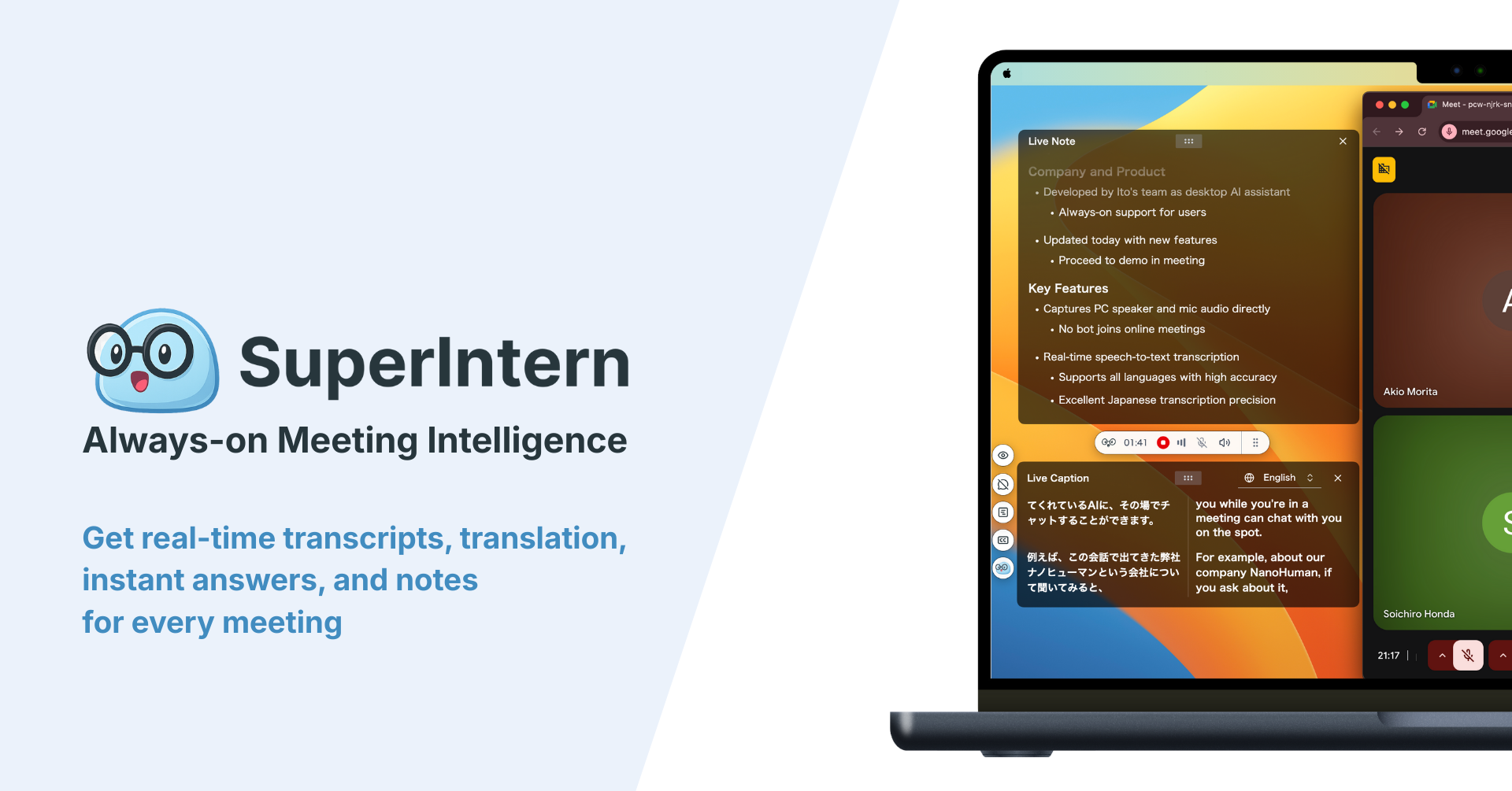
SuperIntern is designed as meeting intelligence that remains completely invisible. It runs as a resident application on Mac, capturing audio without any bot joining your calls.
Privacy and Security Features:
- True botless operation — captures audio from speakers + microphone; no participant appears in your meeting
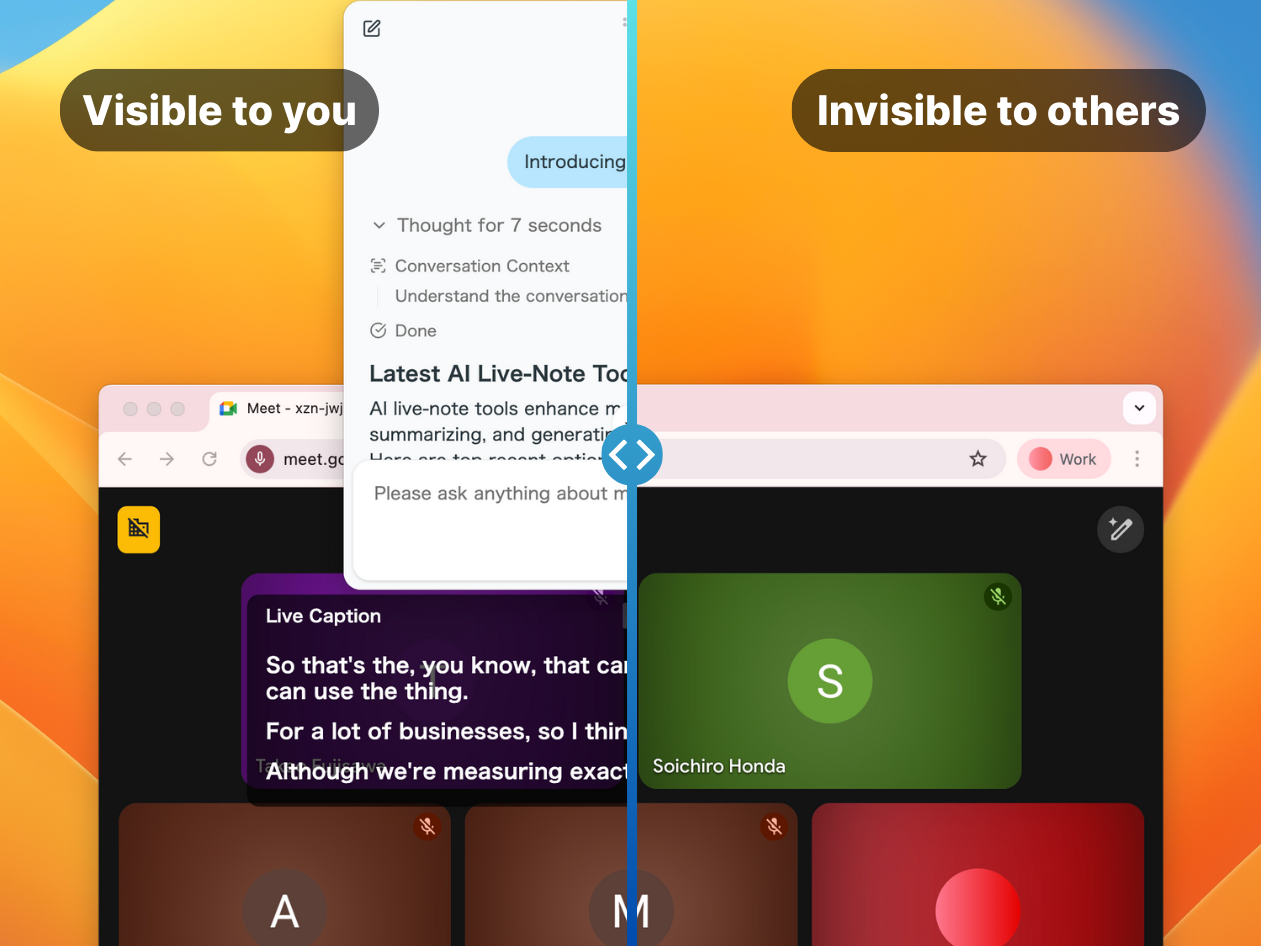
- Stealth Mode — when enabled, the translation overlay becomes invisible during screen sharing and screenshots, preventing accidental exposure of your translation assistance
- Platform-agnostic — works with Zoom, Teams, Meet, Webex, or any audio source
- Local processing options — audio can be processed with privacy-conscious architecture
Translation Capabilities:
- 50+ languages with real-time translation optimized for business contexts
- Custom dictionary for company names, product names, and technical terminology
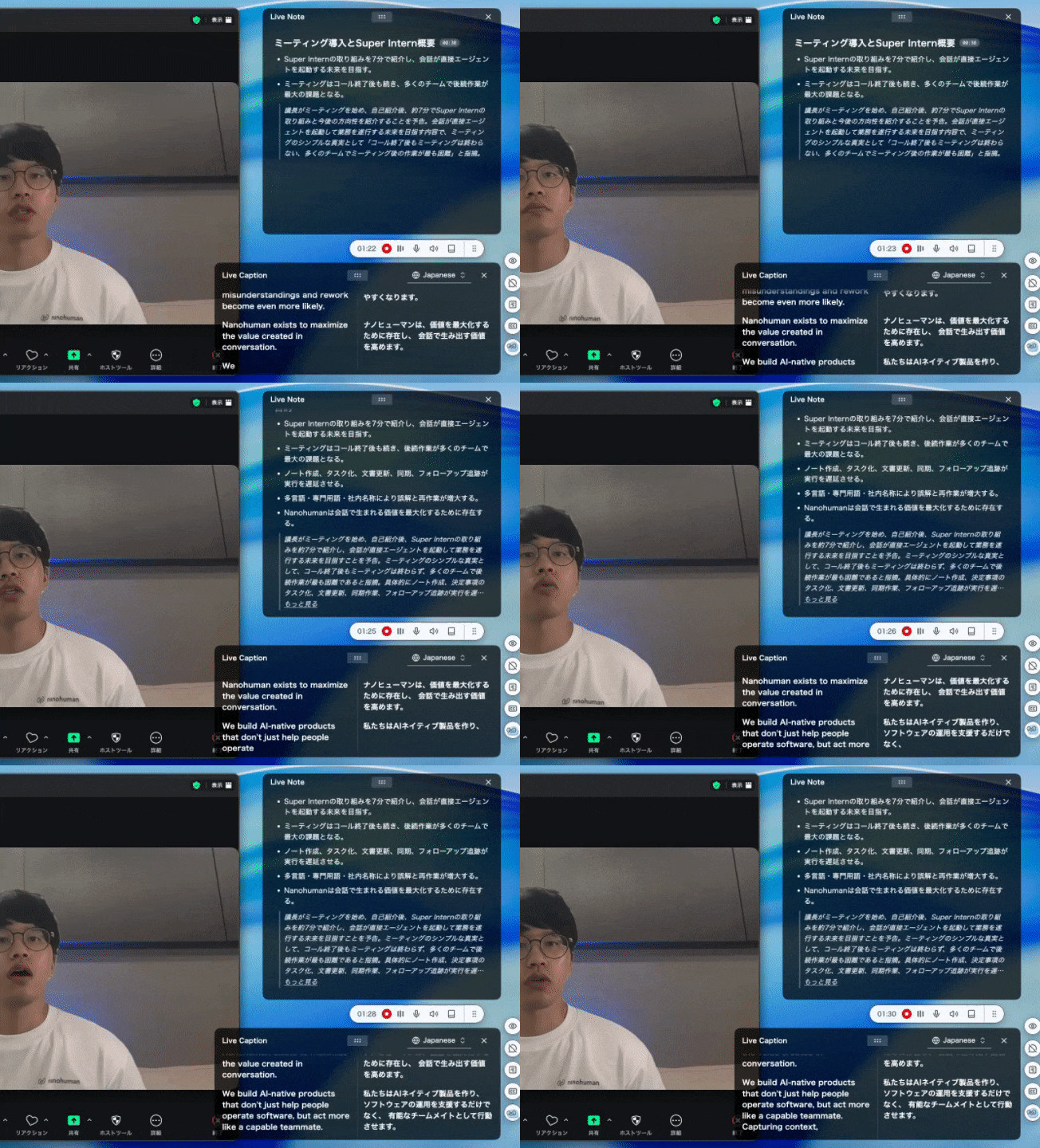
- Real-time structured notes that update alongside the conversation
- Separate language settings for subtitles vs. summaries (e.g., Spanish audio → Spanish + English subtitles → English summary)
What works well:
- Translation accuracy is exceptionally high for business contexts
- Stealth Mode ensures no accidental reveals during screen sharing—critical for maintaining confidentiality
- Custom dictionary reduces errors on proper nouns, which is essential when discussing specific companies or products in M&A contexts
- The same experience across all meeting platforms
What to consider:
- Currently Mac-only; Windows version is coming soon — Join the Windows Waitlist
- Team and enterprise pricing requires contacting the company
Pricing: Free trial available; paid plan at $20/month includes 50 hours
👉 Try SuperIntern Free — Privacy-First Translation
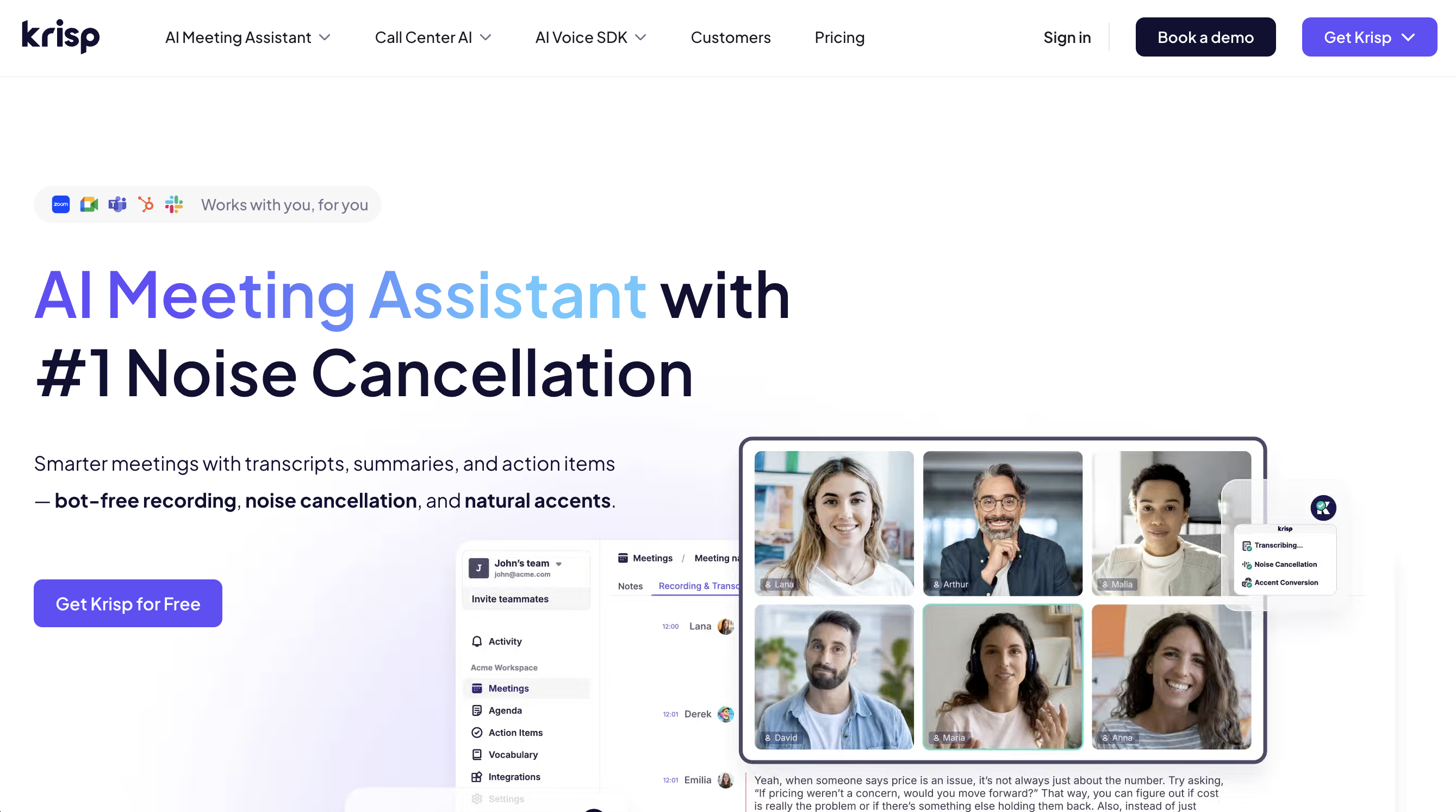
Krisp — On-Device Processing with Noise Cancellation
Krisp evolved from noise cancellation to a comprehensive meeting assistant with strong privacy credentials.
Privacy and Security Features:
- On-device audio processing—voice data doesn't leave your computer for core functions
- No third-party LSP involvement in translation processing
- Enterprise-focused with administrative controls
- SOC 2 compliant
Translation Capabilities:
- 80+ language support
- Bidirectional voice translation
- Bot-free recording and transcription
- Integrated noise cancellation for clearer translated audio
What works well:
- On-device processing provides strong privacy guarantees
- Enterprise administrative controls support organizational policies
- Noise cancellation combined with translation improves overall call quality
What to consider:
- Translation features are more focused on call center and customer service contexts
- Some advanced features may require specific pricing tiers
Pricing: 7-day free trial; Pro plan at $16/month
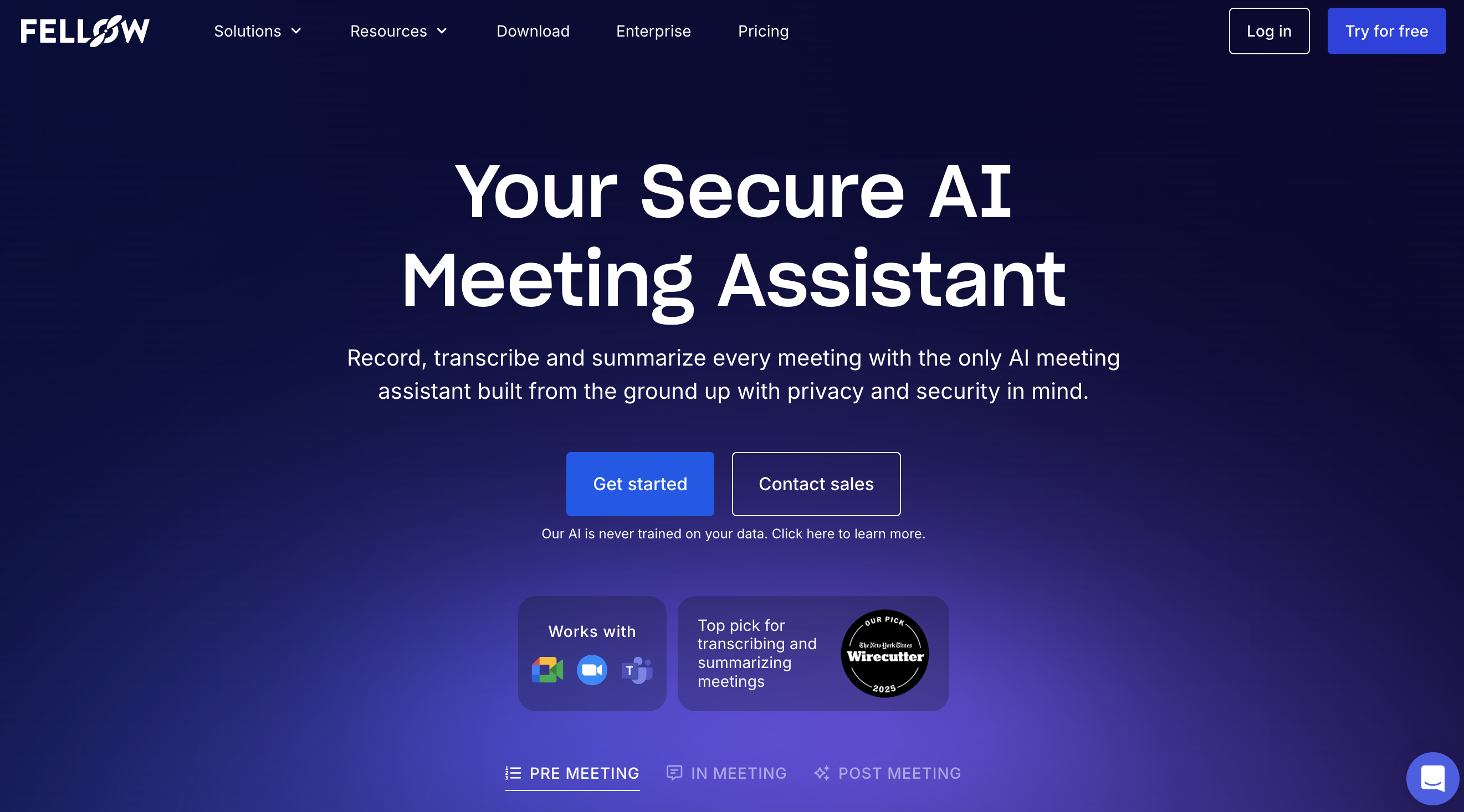
Fellow — Enterprise Governance for Botless Recording
Fellow takes an enterprise-first approach to botless meeting capture, focusing on organizational governance rather than purely invisible operation.
Privacy and Security Features:
- SOC 2 certified
- GDPR compliant
- Customer data not used for AI training
- Botless recordings follow the same retention rules, access controls, and compliance policies as bot-based captures
- IT visibility into what's being recorded organization-wide
What works well:
- Unlike purely personal capture tools, Fellow provides IT governance over botless recordings
- Deep integrations with CRMs and project management tools
- Internal teammates can see when a meeting is being recorded—maintains transparency within your organization while being invisible to external parties
What to consider:
- Enterprise pricing model
- Designed more for internal governance than pure confidentiality
Pricing: Contact for enterprise pricing
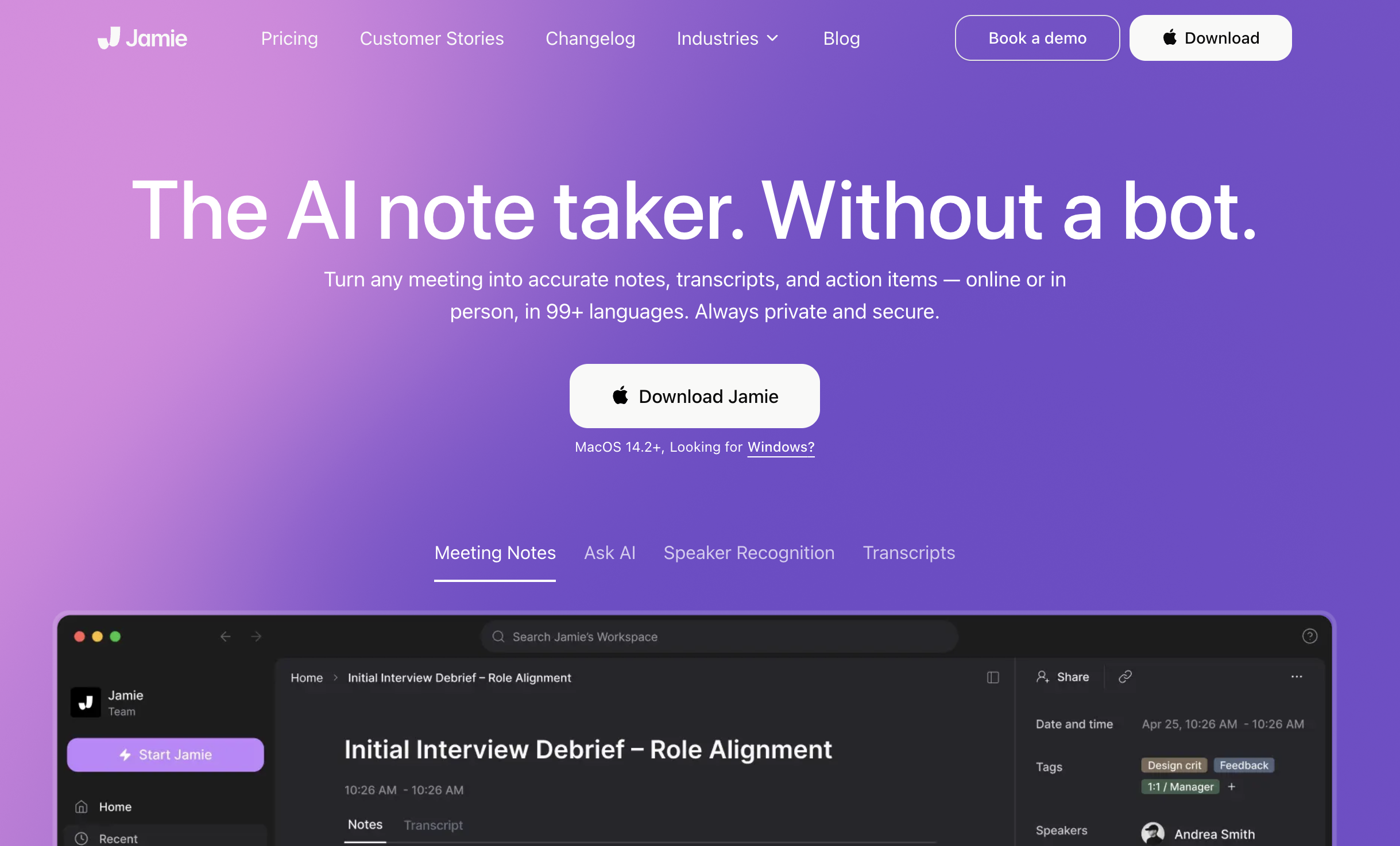
Jamie AI — GDPR-First European Solution
Jamie creates meeting notes and action items across any platform with a privacy-first approach particularly suited to European regulatory requirements.
Privacy and Security Features:
- GDPR compliant architecture
- No meeting bot required
- Works across any meeting platform
- Designed with EU data protection requirements as a core feature
What works well:
- Strong choice for EU enterprises needing GDPR compliance
- Works offline for additional privacy
- Cross-platform compatibility
What to consider:
- Each recording session is limited to 3 hours maximum
- Lacks visual capture (audio-only)
- Requires manual start for recording
Pricing: €47/month
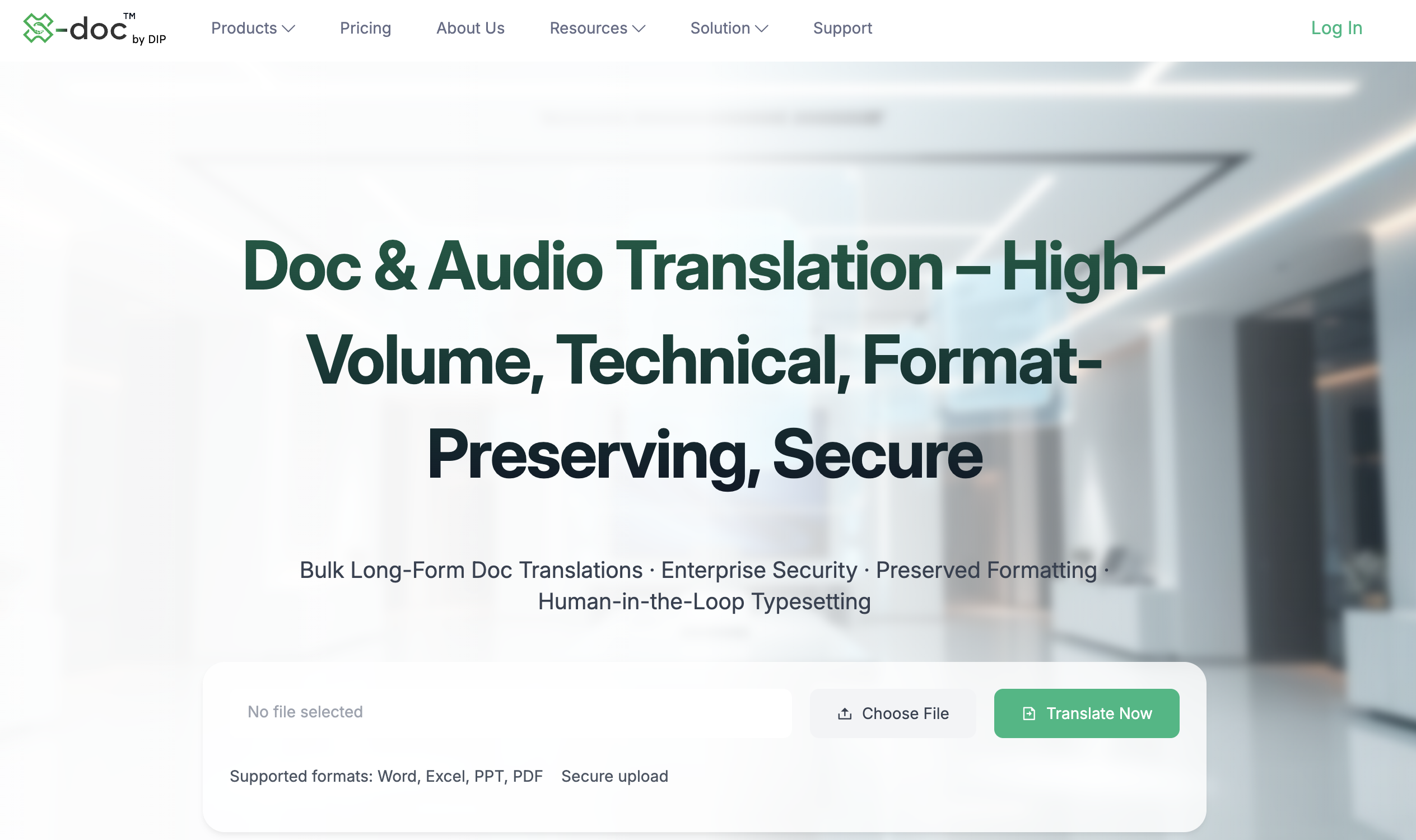
X-doc.AI Translive — Zero Audio Storage Guarantee
X-doc.AI Translive positions itself as a next-generation secure communication tool with enterprise-grade privacy.
Privacy and Security Features:
- Zero Audio Storage guarantee—no voice data is ever stored
- End-to-end encryption
- Compliance with GDPR, HIPAA, and ISO 27001
- Designed for sensitive discussions in business, healthcare, and government
What works well:
- The zero-storage guarantee is a core, always-on feature—not a configuration option
- Healthcare and government compliance makes it suitable for highly regulated industries
- Strong security certifications
What to consider:
- Pricing requires contacting the company
- Newer entrant compared to established players
Pricing: Contact for pricing
Privacy Feature Comparison
| Feature | SuperIntern | Krisp | Fellow | Jamie AI | X-doc.AI Translive |
|---|---|---|---|---|---|
| Botless operation | ✓ | ✓ | ✓ | ✓ | ✓ |
| Stealth Mode (invisible overlay) | ✓ | ✗ | ✗ | ✗ | ✗ |
| On-device processing option | ✓ | ✓ | ✗ | ✓ | ✗ |
| Zero data retention option | ✓ | ✓ | ✗ | ✓ | ✓ |
| IT governance controls | ✗ | ✓ | ✓ | ✗ | ✓ |
| GDPR compliant | ✓ | ✓ | ✓ | ✓ | ✓ |
| SOC 2 certified | — | ✓ | ✓ | — | — |
| Platform-agnostic | ✓ | ✓ | ✓ | ✓ | ✓ |
| Custom terminology | ✓ | ✗ | ✗ | ✗ | ✓ |
| Languages supported | 50+ | 80+ | varies | 15+ | 30+ |
Choosing the Right Privacy-First Solution
"I need maximum confidentiality for sensitive negotiations"
Choose a tool with stealth mode capabilities. SuperIntern's stealth mode ensures the translation overlay disappears during screen sharing and screenshots—critical when you're presenting to the other party and don't want them to see your translation assistance.
Look for tools that offer local processing options and minimal data retention. Verify the vendor's data handling policies explicitly.
"We need organizational governance over meeting capture"
Fellow provides enterprise-level controls where IT can govern botless recordings the same way as traditional recordings. This maintains internal transparency while remaining invisible to external parties.
For European organizations, Jamie AI's GDPR-first architecture may align better with regulatory requirements.
"We're in healthcare, legal, or government sectors"
Prioritize tools with relevant compliance certifications. X-doc.AI Translive's HIPAA compliance and zero-storage guarantee make it suitable for regulated industries. Krisp's on-device processing also provides strong privacy guarantees.
SuperIntern's stealth mode and custom dictionary features are valuable for legal contexts where confidentiality and accurate terminology are both critical.
"I switch between platforms and need consistent privacy"
All the tools listed here work across meeting platforms. SuperIntern, Krisp, and Jamie AI provide particularly consistent experiences regardless of whether you're on Zoom, Teams, or Meet.
"I want translation AND the ability to hide I'm using it"
SuperIntern is the only tool offering dedicated stealth mode functionality. When enabled, the translation overlay becomes invisible during screen sharing and screenshots. This is essential when you need translation support but don't want other participants to know you're using it.
Best Practices for Confidential Meeting Translation
Beyond choosing the right tool, consider these operational practices:
Verify data handling before use. Read the privacy policy. Understand where audio data goes, how long it's retained, and whether it's used for model training. If the policy is unclear, contact the vendor directly.
Configure retention policies. If your tool allows it, minimize retention periods. Don't keep meeting data longer than necessary.
Use stealth features when appropriate. If your tool offers an invisible overlay or stealth mode, enable it for sensitive meetings. This prevents accidental exposure during screen sharing.
Test before critical meetings. Verify the translation quality and stealth functionality work as expected before high-stakes conversations.
Consider recording consent carefully. Even botless tools may create records. Ensure your use aligns with applicable consent requirements and organizational policies.
The Privacy Imperative in 2026
Privacy regulations continue to evolve. The EU AI Act, state-level privacy laws in the U.S., and increasing corporate policies around data handling mean that how you translate meetings matters as much as whether you can.
For confidential business meetings—negotiations, legal discussions, strategic planning, HR matters—a botless, privacy-first translation tool isn't a nice-to-have. It's a requirement.
The tools reviewed here all provide botless operation, but they differ in their approach to privacy features like stealth mode, on-device processing, and data retention. Choose based on your specific confidentiality requirements.
If your work involves sensitive discussions where translation assistance must remain invisible—where even the appearance of a translation overlay during screen sharing could compromise your position—SuperIntern's stealth mode provides a capability that other tools currently don't match.
👉 Try SuperIntern Free — Privacy-First Translation with Stealth Mode
Whatever tool you choose, the key is ensuring your translation solution enhances communication without compromising the confidentiality that makes productive business discussions possible.