
Affordable In-Person Meeting Translation Tools (2026 Guide)

Finding an affordable meeting translation solution for in-person conversations is surprisingly difficult. While virtual meeting tools like Zoom and Teams have built-in translation features, face-to-face meetings remain underserved—leaving many professionals scrambling to bridge language gaps during client visits, office meetings with international colleagues, or on-site negotiations.
This guide explores what's actually available for in-person meeting translation in 2026, what each option costs, and which approach makes sense for different scenarios.
⚠️ This article is an independent summary by NanoHuman Inc. based on publicly available information as of January 2026. SuperIntern is our product, but we describe all tools as objectively as possible, including honest assessments of limitations.
The In-Person Translation Gap
Let's be direct about the problem: most translation tools are designed for virtual meetings, not face-to-face conversations.
Video conferencing platforms have invested heavily in real-time translation—Google Meet's Gemini-powered audio translation, Zoom's AI Companion captions, Teams' live translated subtitles. But the moment you step into a physical conference room with international visitors, these features don't help.
Your options narrow considerably:
- Hire a human interpreter — accurate but expensive ($300-$500+ per hour for professional interpreters)
- Use a dedicated device — translator earbuds or handheld devices ($100-$700)
- Use a software app on your phone or laptop — the most flexible and affordable option
For businesses that need regular in-person translation but can't justify interpreter costs for every meeting, software-based solutions offer the best balance of quality and affordability.
Option 1: Software Apps for In-Person Translation
Software solutions capture audio through your device's microphone and display translations on-screen. They're the most affordable approach and work for any conversation—no special hardware required.
SuperIntern
SuperIntern captures audio from both your microphone (for in-person conversations) and system audio (for virtual meetings), displaying real-time translated subtitles on your screen.
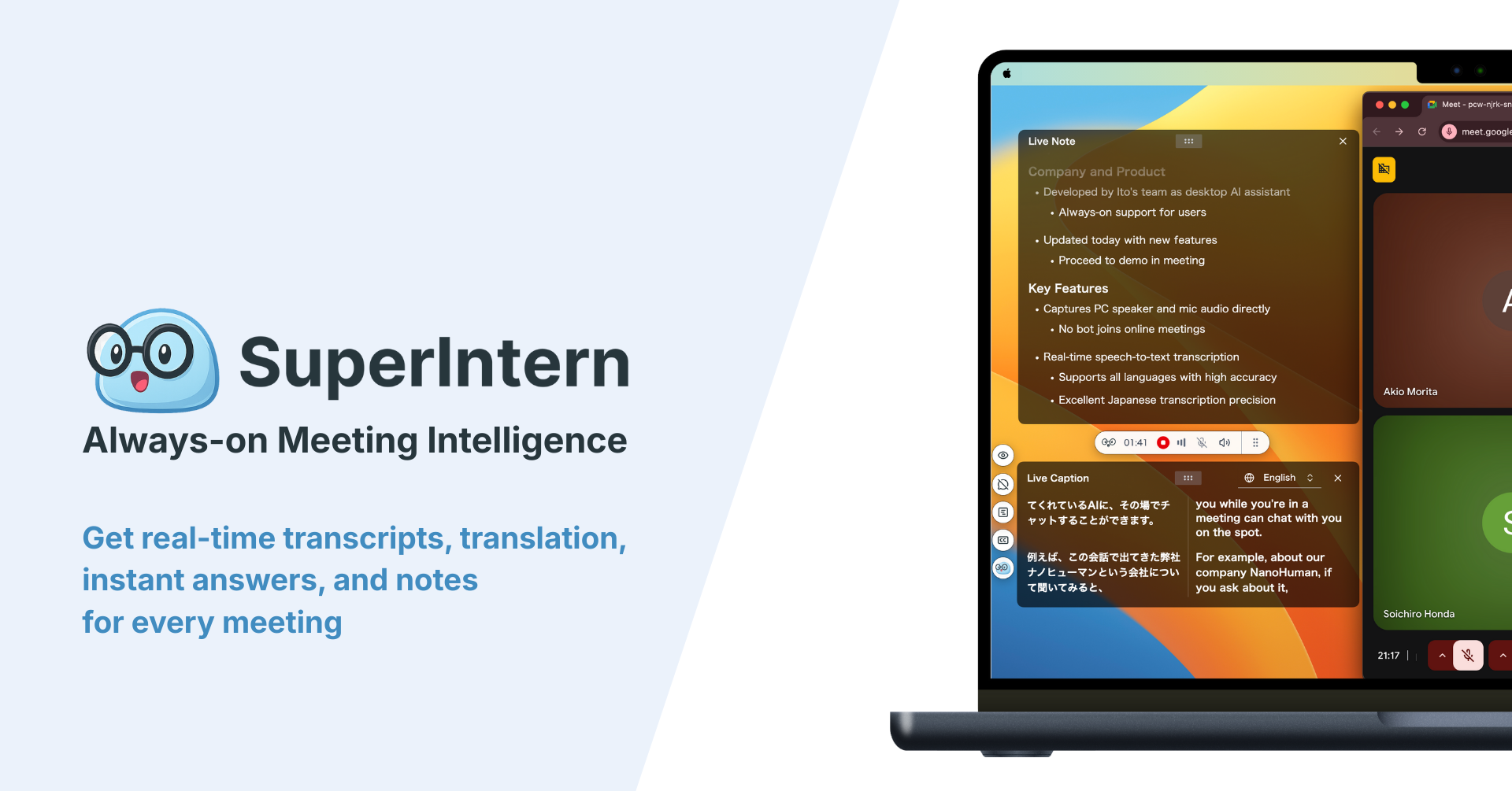
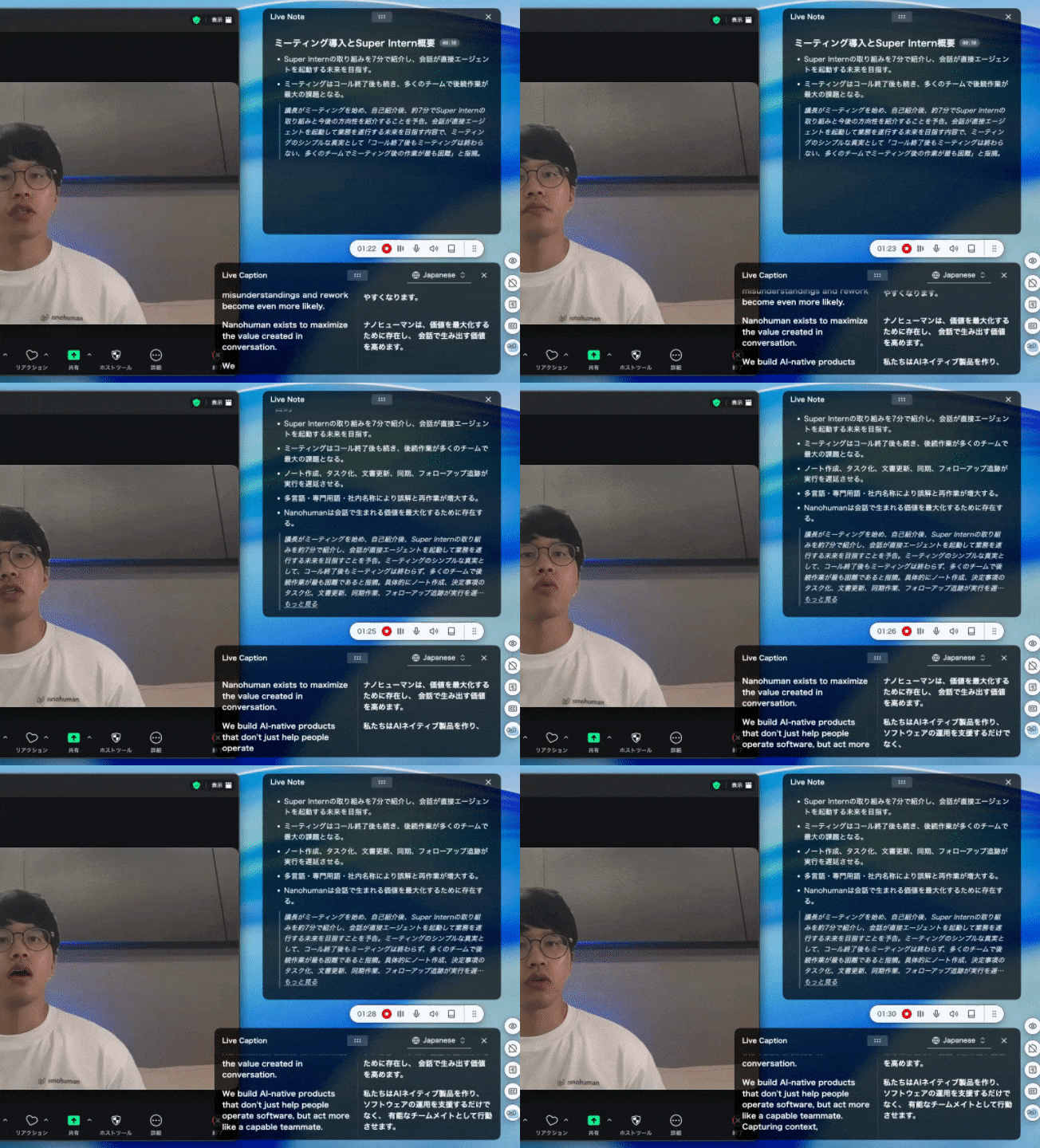
How it works for in-person meetings: Place your laptop or phone where it can hear the conversation. SuperIntern transcribes and translates speech in real time, showing both original language and translation. You can set different languages for transcription, subtitles, and notes—for example, hearing Japanese while reading English subtitles and getting a summary in English.
Key features:
- 50+ language support with high translation accuracy
- Real-time transcription with translated subtitles
- Custom dictionary for proper nouns, company names, and technical terms
- Live structured notes that update during the conversation
- Works across any meeting type—in-person, virtual, or hybrid
Pricing:
- Free tier available (limited hours)
- Plus: $20/month (50 hours included)
- Overage: $0.02/minute
What works well: SuperIntern's custom dictionary feature is particularly valuable for business meetings. Names, product terms, and industry jargon that trip up generic translators can be registered in advance, dramatically improving accuracy where it matters most. The same app works seamlessly when your in-person meeting moves to a video call—no switching tools required.
What to consider:
- Currently Mac-only; Windows version is in development
- Like all software solutions, requires good microphone placement to pick up all speakers clearly
Microsoft Translator (Group Transcribe)
Microsoft provides Group Transcribe functionality through the Microsoft Translator app, designed for in-person multilingual conversations.
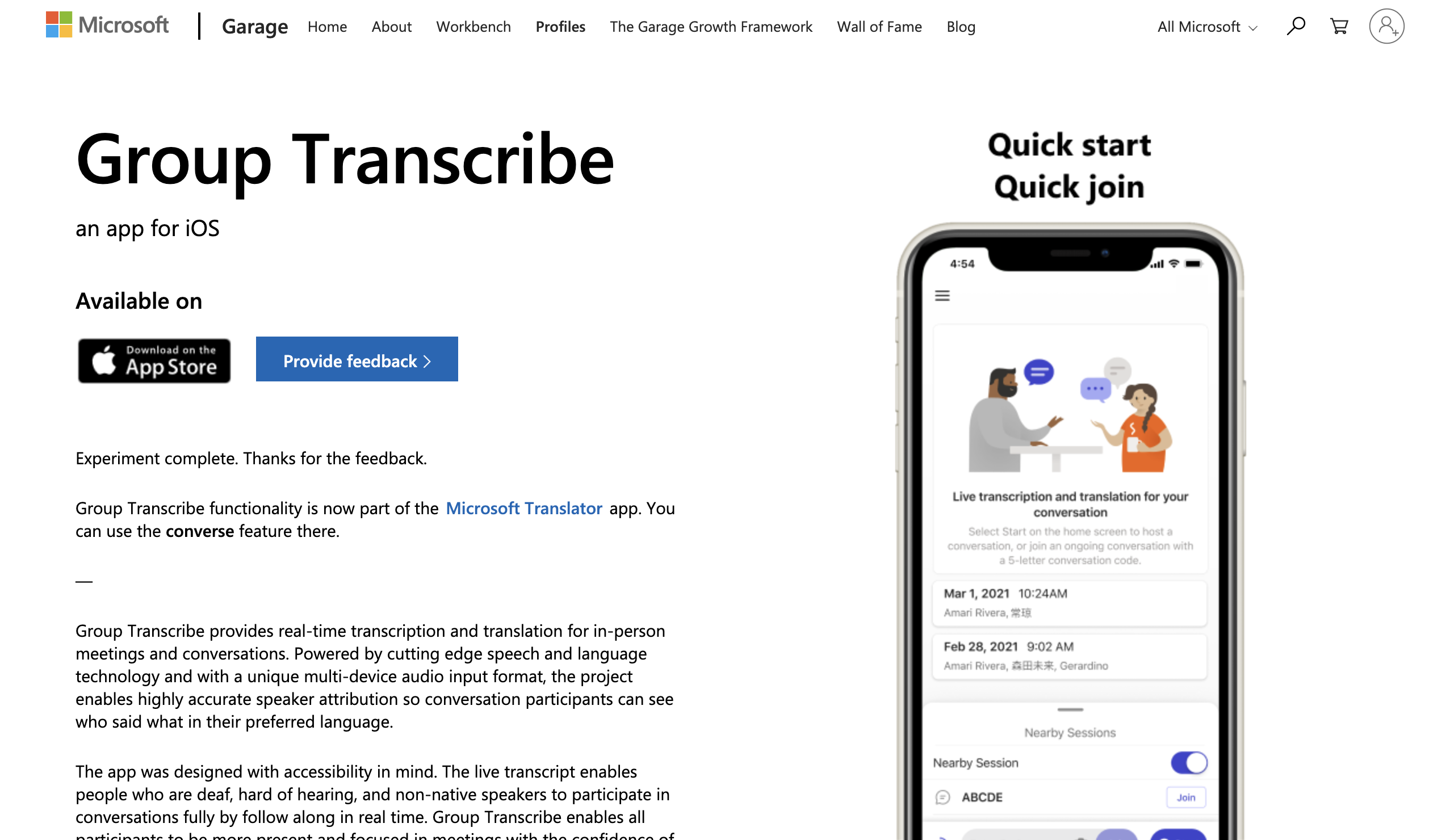
How it works: All participants install the app and join the same session. Each person speaks into their own device, and everyone sees real-time transcription and translation on their screens.
Key features:
- Free to use
- Automatic speaker identification
- Real-time transcription and translation
- Works best when each participant has their own device
What works well: If all participants have smartphones, this is a genuinely free solution. The multi-device approach means audio capture is excellent—each person speaks directly into their own microphone.
What to consider:
- Originally iOS-only; check the Microsoft Translator app for current platform availability
- Requires app installation by all participants, which can be awkward in professional settings
- Translation accuracy is adequate but not as refined as dedicated translation tools
Transync AI
Transync AI positions itself as an "AI interpreter," supporting 60+ languages with both visual subtitles and voice playback of translations.
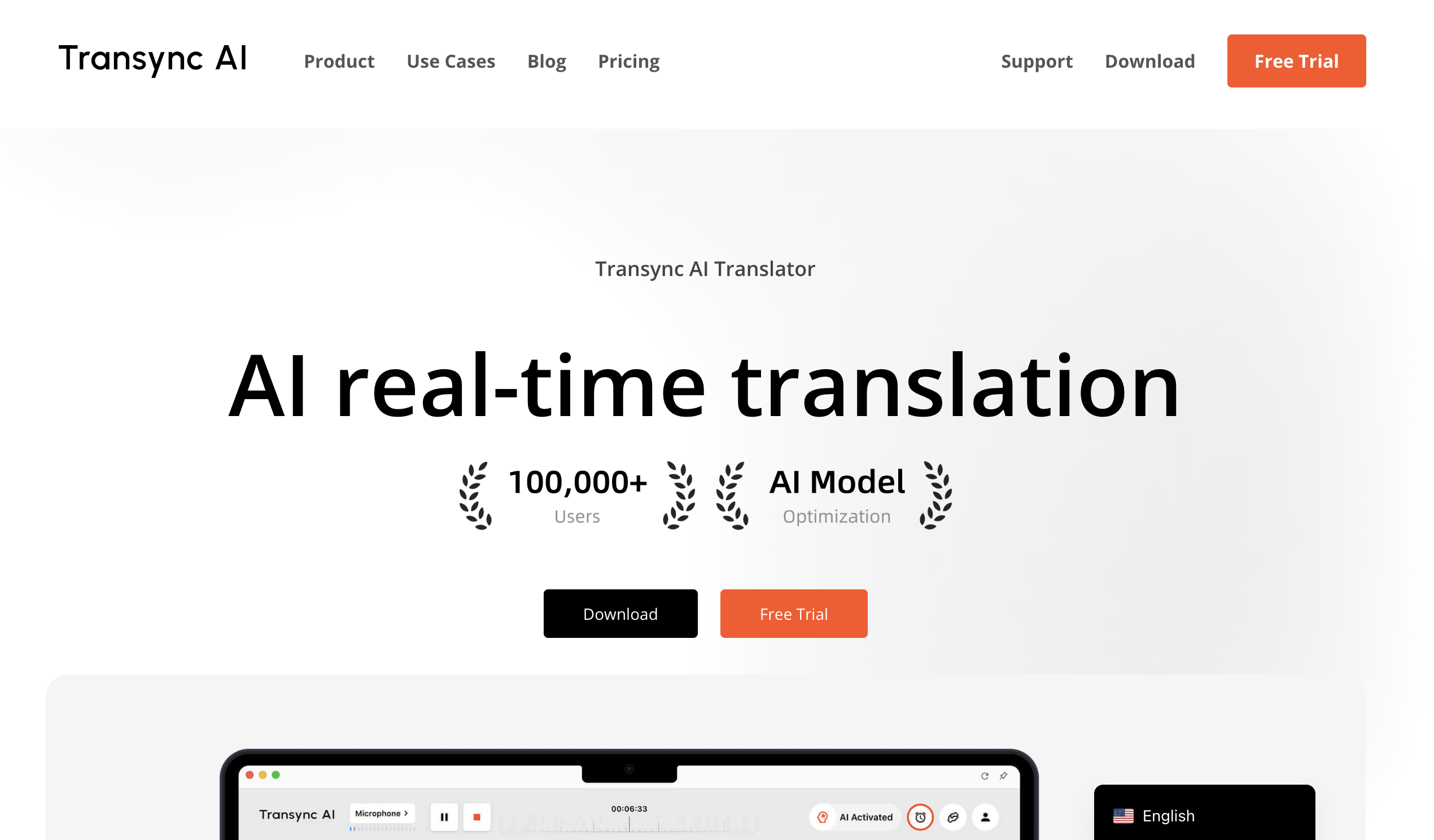
How it works for in-person meetings: Use the mobile app or desktop client to capture conversation audio. Translations appear on screen as subtitles, and optionally, the app can read translations aloud—creating an interpreter-like experience.
Key features:
- 60+ languages with 1,770+ language pairs
- Voice playback of translations
- Works on iOS, Android, Windows, and macOS
- Meeting transcripts and AI summaries
Pricing:
- 40 minutes free for new users
- Plans starting around $8.99/month (10 hours included)
What works well: The voice playback feature is unique—if you're in a situation where you can't easily watch a screen (perhaps walking through a facility), having translations spoken aloud can be helpful.
What to consider:
- Voice playback requires earphones to avoid feedback, which may feel awkward in face-to-face meetings
- Managing spoken translation alongside the live conversation can be cognitively demanding
Stenomatic
Stenomatic focuses on live translation for events and meetings, with particular strength in custom terminology handling.
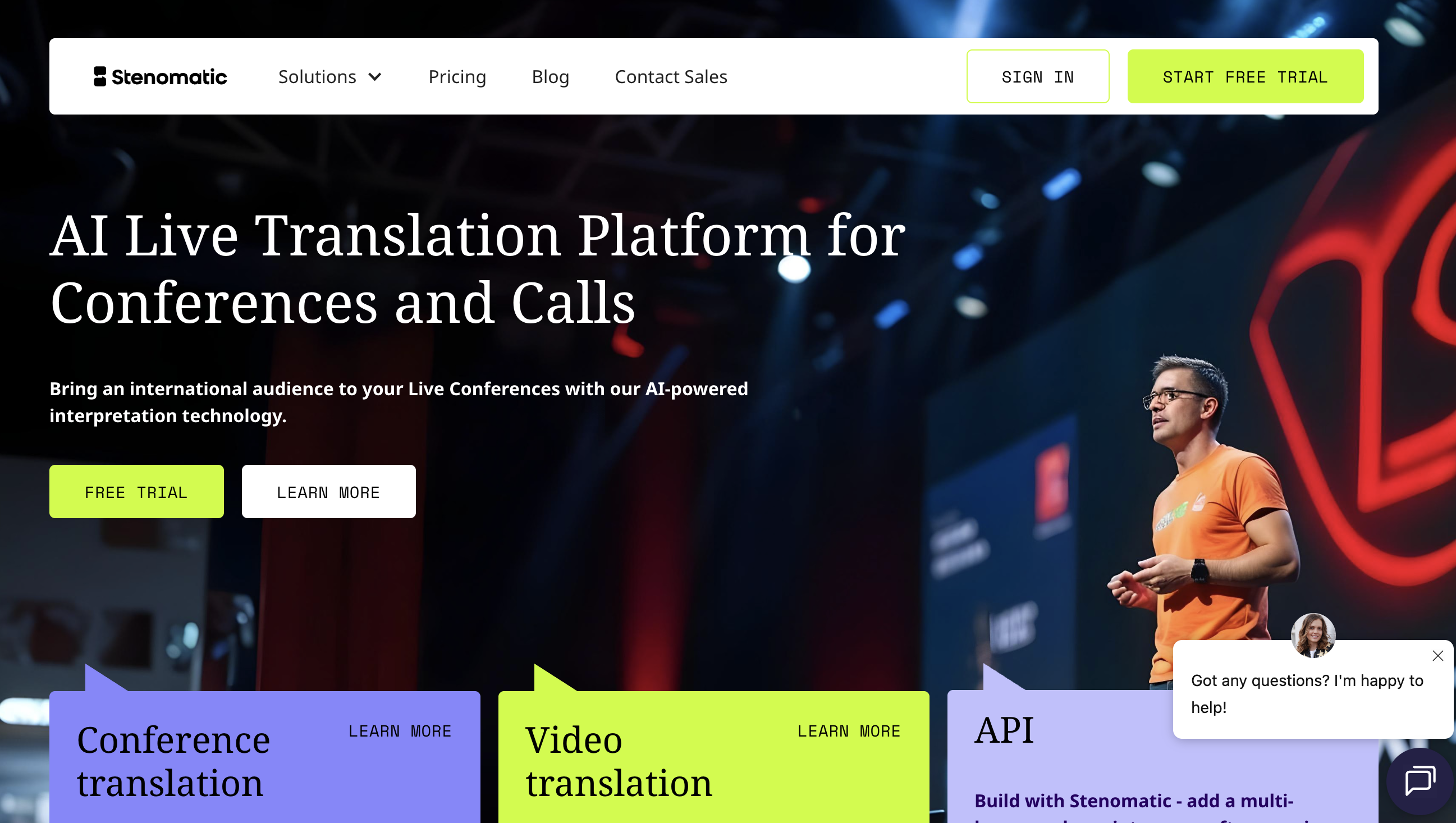
How it works: Capture audio through their platform, and translations are displayed via web links—no app download required for viewers.
Key features:
- 132+ languages
- Custom vocabulary for industry-specific terms
- Audience accesses translations via web link
- Custom AI model training available
Pricing:
- Contact sales for pricing; third-party sources indicate around $750/month plus $1.25/minute
What works well: Strong option for organizations with specialized terminology needs—legal, medical, or technical industries where generic translation fails.
What to consider:
- Pricing is significantly higher than other software options
- Primarily designed for events and larger meetings, not everyday conversations
Option 2: Hardware Translation Devices
Dedicated translation hardware offers a different approach—earbuds or handheld devices that handle translation independently of your phone or computer.
Timekettle Translator Earbuds
Timekettle offers several models of translation earbuds, with the W4 and W4 Pro being their most advanced offerings.
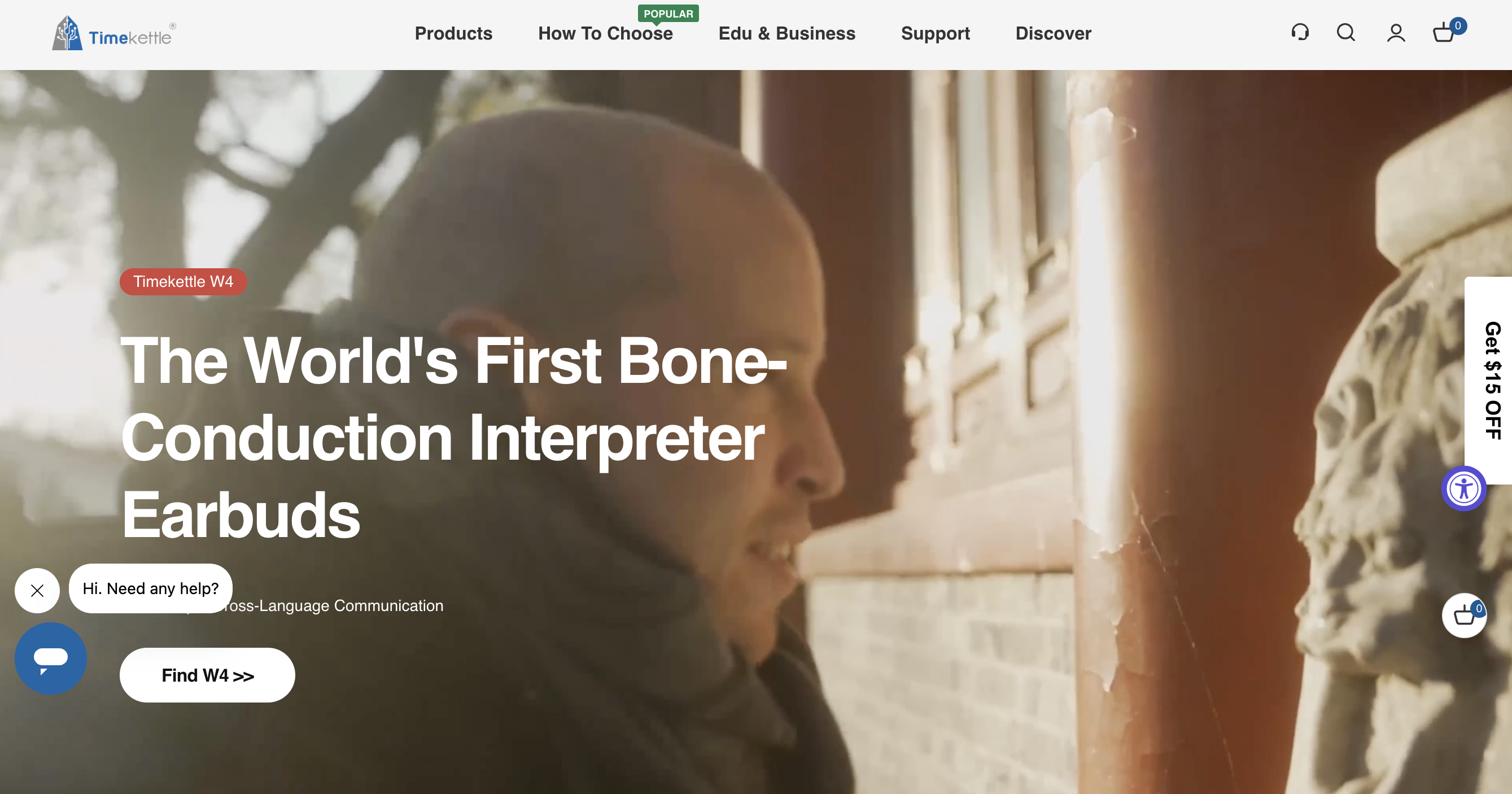
How they work: Each person wears an earbud. When one person speaks, the other hears a translated version in their ear—like having a personal interpreter.
Key features:
- 43+ languages, 96+ accents
- Less than 0.5-second delay (W4 model)
- Noise cancellation for clear audio capture
- Offline translation packs available
Pricing:
- WT2 Edge: $299-$349
- W4: $349
- W4 Pro: $449
What works well: For true face-to-face conversation, translator earbuds create the most natural experience. No one is looking at screens—you can maintain eye contact and have something closer to normal conversation flow.
What to consider:
- Both parties need to wear earbuds, which may feel odd in formal business settings
- Each set only supports two-person conversations; larger group meetings don't work well
- Battery life limits extended meetings (typically 3-4 hours)
- Accuracy decreases with background noise, accents, or complex vocabulary
Other Hardware Options
Several other devices exist—ANFIER A9, SANSUI AI Translation Earbuds, Pocketalk, and others. Most share similar limitations: they work well for travel and simple exchanges but struggle with the nuance and speed of business conversations.
Option 3: Event-Focused Solutions (For Larger In-Person Gatherings)
For conferences, all-hands meetings, or multi-day events, specialized platforms offer scalable translation.
Wordly AI
Wordly provides AI-powered translation for events, allowing attendees to access translations via their own devices.
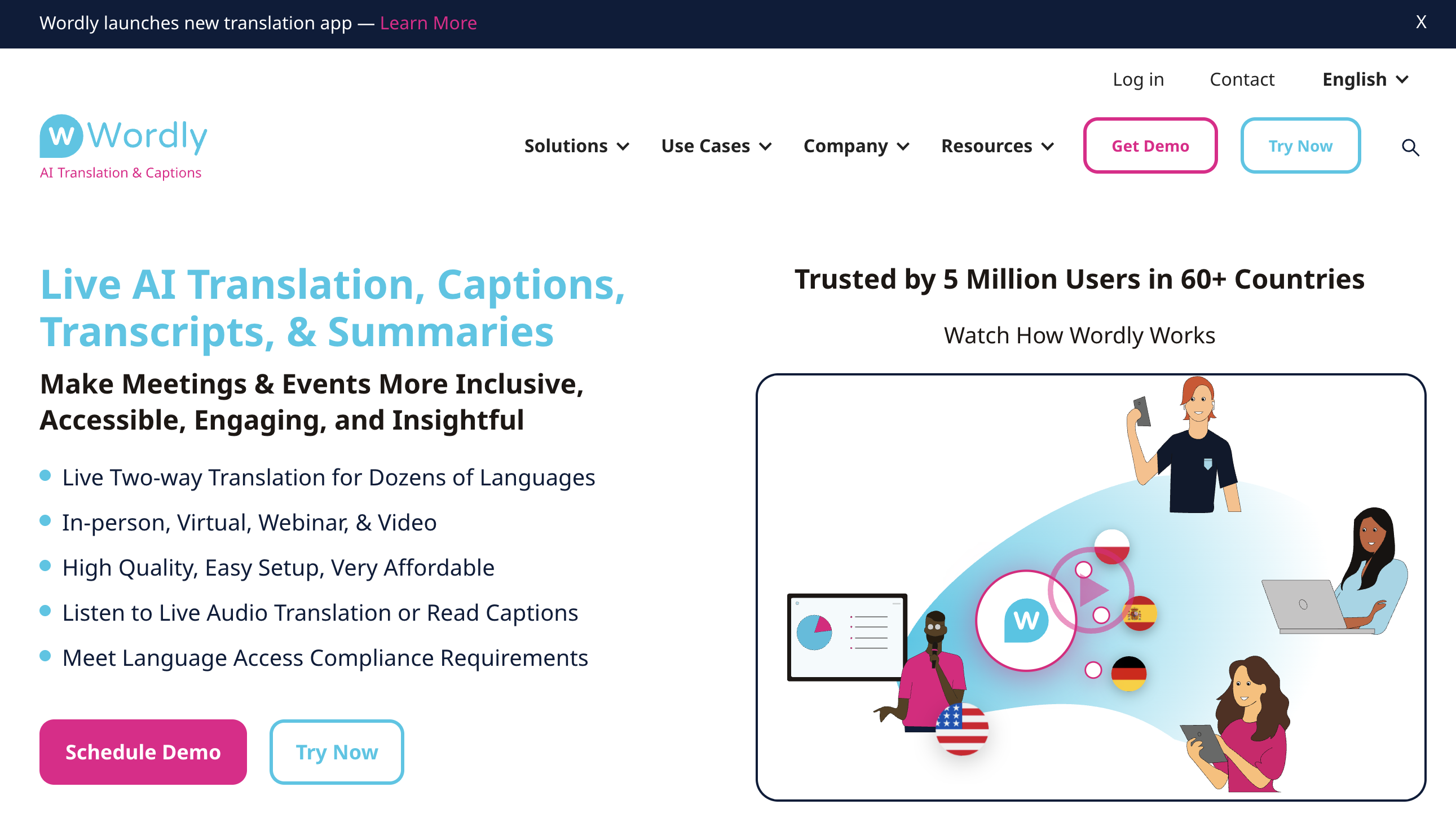
How it works: Attendees scan a QR code or click a link to access translation on their phone, tablet, or computer. Wordly captures the speaker's audio and streams translated captions or audio to all connected devices.
Key features:
- 60+ languages
- Attendees need no app—browser access only
- Custom glossaries (up to 3,000 phrases)
- Works for in-person, virtual, and hybrid events
Pricing:
- Starts at $75/hour
- Volume discounts available (10-30%)
- Nonprofit/education discounts (10%)
What works well: For events with 50+ attendees, Wordly becomes cost-effective compared to human interpreters. The "bring your own device" model eliminates hardware distribution logistics.
What to consider:
- Per-hour pricing adds up for extended events
- Requires session setup and link distribution—not instant
- Designed for events, not everyday meetings
KUDO
KUDO combines AI translation with access to human interpreters, offering flexibility for different content types within the same event.
How it works: Similar attendee access model to Wordly. KUDO's differentiator is seamless switching between AI and human interpretation—use AI for general content, bring in human interpreters for keynotes or sensitive sessions.
Key features:
- 60+ languages
- 12,000+ professional interpreters available on-demand
- AI Assist helps human interpreters with real-time transcription
- Native Teams integration; widgets for other platforms
What works well: The hybrid model provides a safety net—if AI struggles with a particular speaker or topic, you can escalate to human interpretation mid-session.
What to consider:
- Costs are naturally higher than pure AI solutions
- Requires more planning than plug-and-play solutions
Interprefy
Interprefy serves enterprise events with remote simultaneous interpretation and AI speech translation.
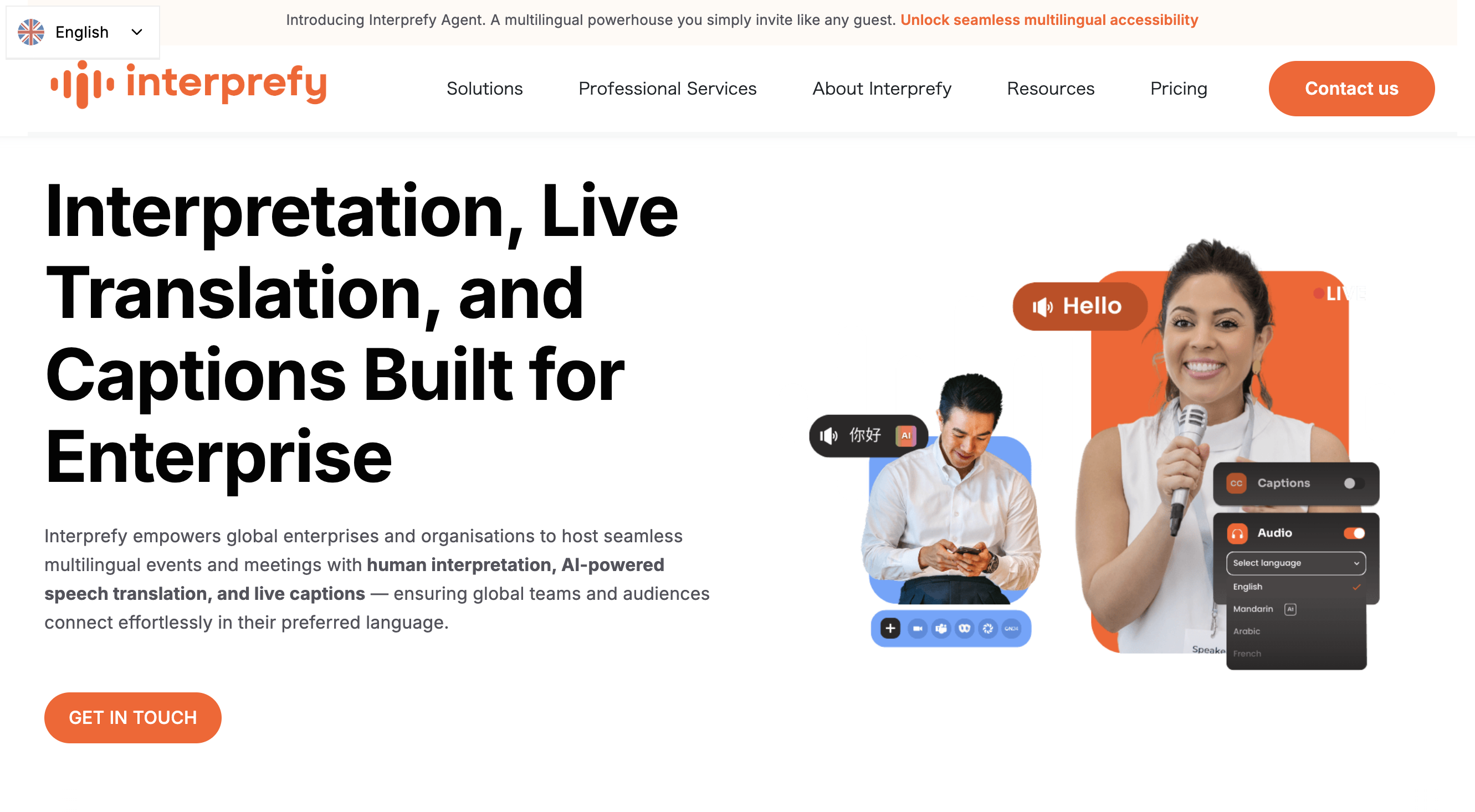
How it works: Interprefy provides the full event infrastructure—interpreter management, audio routing, attendee apps—as a managed service.
Key features:
- 6,000+ language combinations
- 6,000+ professional interpreters
- Integration with 80+ meeting platforms
- Mobile app for spontaneous in-person interactions (Interprefy Now)
What works well: For complex multilingual events—board meetings with participants in 8 languages, international conferences with breakout sessions—Interprefy handles logistics that would overwhelm simpler solutions.
What to consider:
- Enterprise pricing—contact sales
- Overkill for simple meetings or small gatherings
Comparison: What Works Best for Different Situations?
Daily business meetings (2-6 people)
Best option: Software apps (SuperIntern, Transync AI)
For regular office meetings with international colleagues or clients, software apps offer the best balance of quality, convenience, and cost. No special hardware needed—just open the app on your laptop, and translation starts immediately.
SuperIntern is particularly strong here because:
- The same tool works for in-person and virtual meetings
- Custom dictionary handles your company's specific terminology
- Real-time notes mean you're not scrambling to capture action items manually
Cost: $0-$20/month
Client visits and on-site negotiations
Best option: Software apps with careful preparation
High-stakes client meetings require reliability. Use a software solution you've tested thoroughly, with your custom dictionary configured for the client's company name, key products, and industry terms.
Avoid hardware earbuds in formal settings—the optics of asking a client to insert an earbud can undermine professionalism.
Cost: $0-$20/month
Trade shows and spontaneous conversations
Best option: Translator earbuds or mobile apps
For brief exchanges at trade shows or conferences, translator earbuds like Timekettle create natural conversation flow. Mobile apps (SuperIntern, Transync AI) work as a fallback if you don't have earbuds or the other party doesn't want to wear them.
Cost: $0-$449 (one-time for earbuds)
Conferences and large events (50+ attendees)
Best option: Event platforms (Wordly, KUDO, Interprefy)
For scale, you need infrastructure that serves many attendees simultaneously. Event platforms distribute translation via attendees' own devices, eliminating the logistics of providing hardware to everyone.
Cost: $75+/hour (Wordly) to custom pricing (KUDO, Interprefy)
Budget-conscious occasional use
Best option: Microsoft Translator (free) or SuperIntern free tier
If your in-person translation needs are occasional and you can work within limitations (limited hours for SuperIntern free), these options cost nothing.
Cost: $0
The Reality of In-Person Translation Tools
Here's what we've learned from testing these options and talking with users:
Software apps are the practical choice for most businesses. They're affordable, require no special hardware, and work across meeting types. The technology has improved dramatically—translation that was barely usable a few years ago is now genuinely helpful for business conversations.
Hardware devices have a niche. Translator earbuds create natural conversation flow, but the requirement for both parties to wear devices limits their applicability in many business settings.
Event platforms serve a different market. If you're running large gatherings, they're worth the investment. For everyday meetings, they're overkill.
The "affordable" qualifier matters. Human interpreters remain the gold standard for accuracy, but at $300-$500+ per hour, they're impractical for routine meetings. AI-powered solutions have made professional-quality translation accessible at a fraction of the cost.
Getting Started
If you're looking for an affordable meeting translation solution, here's a practical path forward:
-
Start with a free tier — SuperIntern, Transync AI, and Microsoft Translator all offer free options. Test them in real meetings to understand what works for your specific language pairs and meeting formats.
-
Configure custom dictionaries — Most translation errors in business contexts involve proper nouns, product names, and industry terms. Spend 15 minutes adding these to your chosen tool's dictionary before important meetings.
-
Consider your typical meeting mix — If you do both in-person and virtual meetings, choose a tool that handles both. Switching between specialized solutions adds friction.
-
Plan for audio capture — In-person translation depends on good audio. Position your device to hear all speakers. Consider an external microphone for larger rooms.
For most teams needing affordable meeting translation across both in-person and virtual settings, SuperIntern offers the best combination of accuracy, flexibility, and price. The custom dictionary feature is particularly valuable for business use, and the same tool works seamlessly across any meeting format.
Ready to try in-person meeting translation? Start free—no credit card required.