
The 2026 Guide to the Best Translation Tools for Business Meetings
Global business doesn't wait for language barriers to catch up. Whether you're closing a deal with a client in São Paulo, aligning with engineering teams in Tokyo, or presenting to stakeholders across Europe, the ability to communicate clearly in real time has become a competitive advantage.
The good news: AI-powered translation tools have matured dramatically. The challenging part: with so many options available, choosing the best translation tool for business meetings can feel overwhelming.
This guide cuts through the noise. We've analyzed the leading solutions for 2026, organized them by use case, and included honest assessments of their strengths and limitations—so you can find the right fit for your team's specific needs.
⚠️ This article is an independent summary by NanoHuman Inc. based on publicly available information and user feedback as of January 2026. SuperIntern is our own product, but we describe its characteristics and pros/cons as objectively as possible, just like the other tools.
What Makes a Great Translation Tool for Business Meetings?
Before diving into specific tools, it's worth understanding what separates adequate translation from truly effective meeting communication.
Real-time accuracy matters more than you think. In casual conversation, a slight delay or mistranslation is easily corrected. In business meetings—especially negotiations, technical discussions, or time-sensitive decisions—even small errors can derail understanding or create costly misalignments.
Platform flexibility is increasingly important. Your team might use Zoom internally, but your clients prefer Teams. Your partners are on Google Meet. A translation tool that only works with one platform creates friction at exactly the moments when smooth communication matters most.
The "bot problem" is real. Many translation tools require a bot to join your meeting. While this works fine for internal calls, it can feel intrusive in client meetings, 1-on-1s, or sensitive discussions. Some participants may be uncomfortable speaking freely when they see an unfamiliar "Notetaker" in the participant list.
With these considerations in mind, let's look at what's available.
Category 1: Built-In Platform Translation Features
If you want to start without adding new software, your existing meeting platform may already have translation capabilities.
Zoom AI Companion (Translated Captions)
Zoom's AI Companion includes translated captions that automatically transcribe and translate speech in real time.
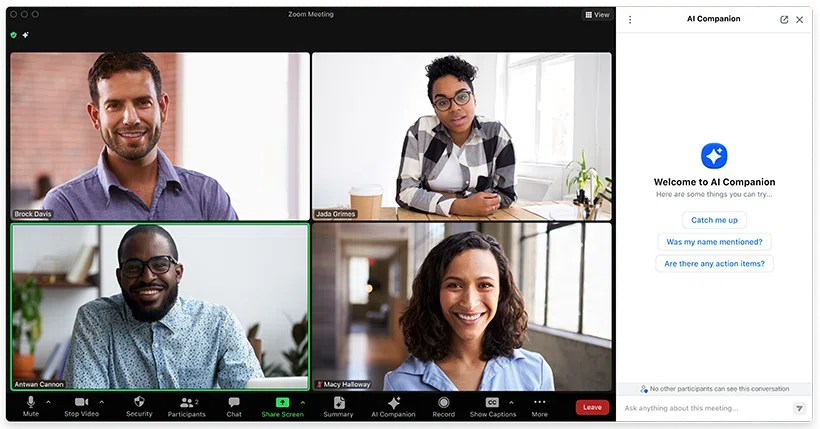
What works well:
- No additional apps needed if your organization already uses Zoom
- Translation quality has improved significantly over recent updates
- Simple to enable in meeting settings
What to consider:
- Only works within Zoom meetings—if clients use Teams or Meet, you'll need another solution
- Requires Zoom Pro or higher plans; free accounts don't have access
- Limited to Zoom's supported language pairs
Google Meet (Translated Captions & Audio Translation)
Google Meet offers translated captions as a standard feature, with newer Gemini-powered audio translation rolling out for select language pairs.
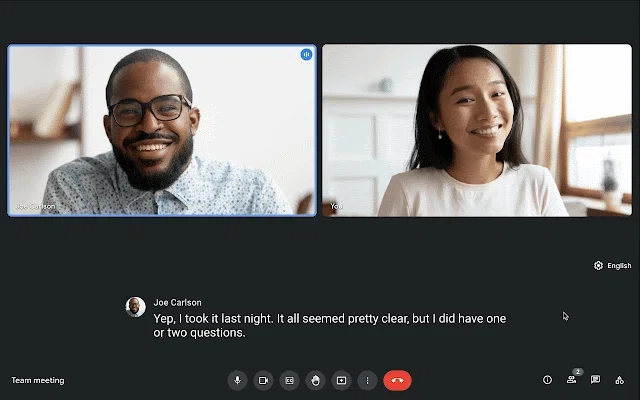
What works well:
- Seamless for Google Workspace organizations—no additional setup required
- Audio "dubbing" features are expanding, potentially eliminating the need for subtitle reading
- Clean integration with Google's productivity suite
What to consider:
- Supported language pairs remain somewhat limited
- Advanced Gemini features require higher-tier Workspace plans
- Captions only appear inside the Meet interface—less flexibility for screen layout
Microsoft Teams (Live Translated Captions)
Teams provides live captions with translation options, configurable for meetings and webinars.
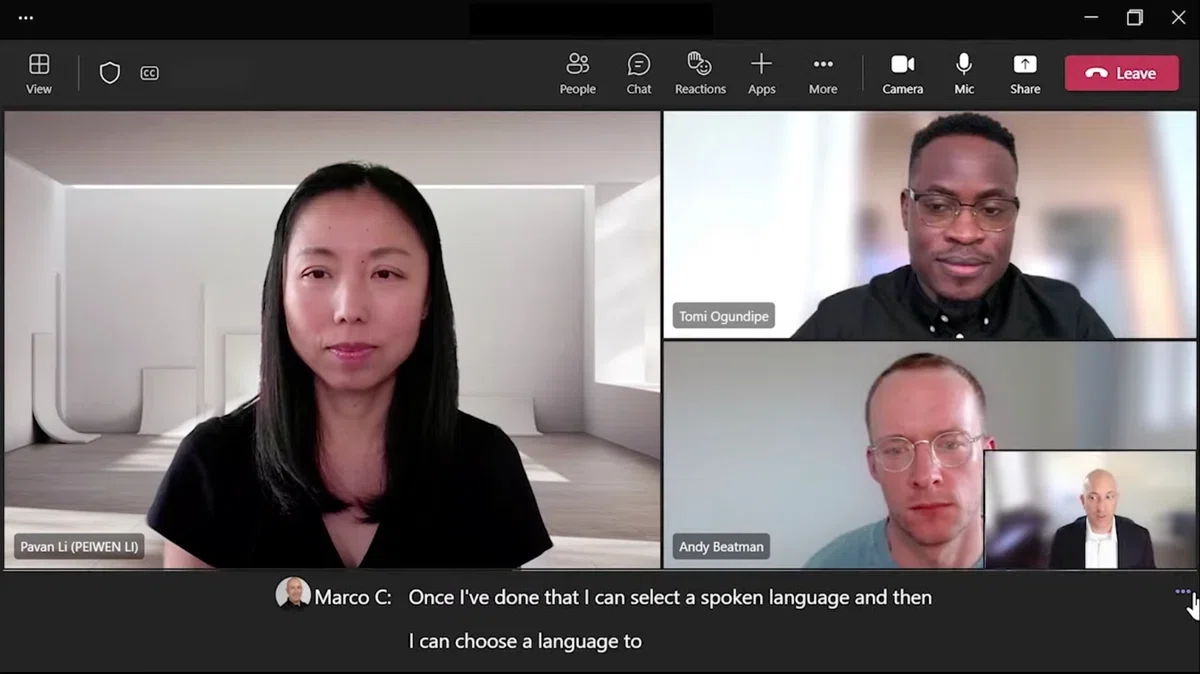
What works well:
- Included in many Microsoft 365 subscriptions without additional cost
- Works well with Teams' broader collaboration features (chat, files, channels)
- Designed to scale for large webinars and live events
What to consider:
- Limited to Teams meetings—cross-platform scenarios require additional solutions
- Initial setup can be confusing; thorough testing is recommended before important meetings
- Translation accuracy varies by language combination
The Bottom Line on Built-In Features
Platform-native translation is convenient and cost-effective if your organization standardizes on a single meeting tool. However, most businesses today operate in multi-platform environments. If you regularly switch between Zoom, Teams, and Meet—or if you meet with external parties who use different platforms—built-in features alone may not be enough.
Category 2: Dedicated Real-Time Translation Tools
These tools work independently of your meeting platform, providing consistent translation experiences regardless of whether you're on Zoom, Teams, Meet, or even in-person meetings.
SuperIntern — Platform-Agnostic Translation with Real-Time Notes
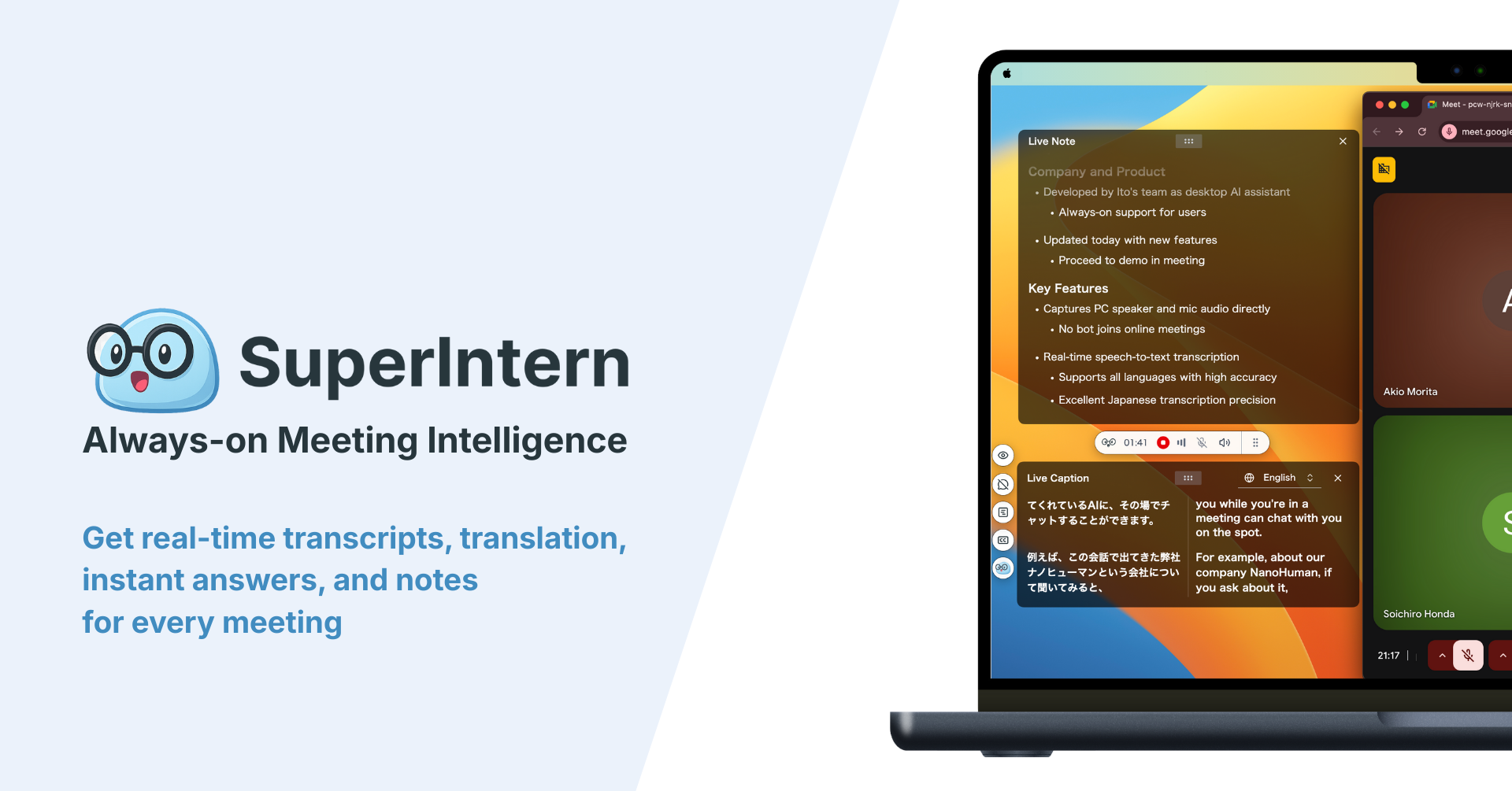
SuperIntern is designed as "meeting intelligence you can keep always-on," combining real-time translation with structured meeting notes—all without any bot joining your calls.
Key features:
- Botless operation — captures audio directly from your Mac's speakers and microphone; no bot appears in participant lists
- 50+ language translation in real time, with high accuracy optimized for business contexts
- Real-time structured notes that update alongside the conversation
- Custom dictionary for registering company names, product names, and internal terminology
- Works across any meeting platform — Zoom, Teams, Meet, Webex, or in-person meetings
What works well:
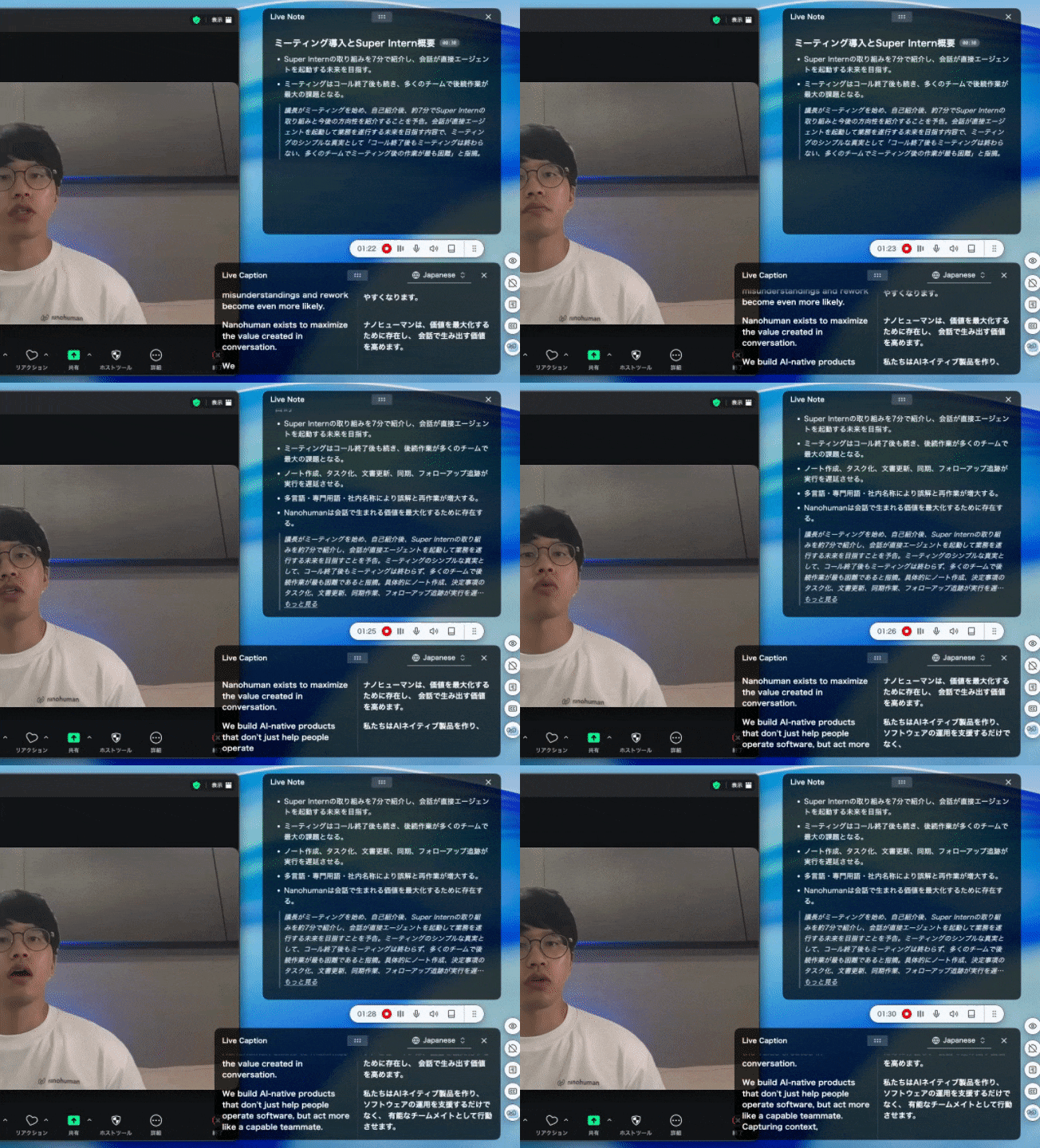
- Exceptionally high translation accuracy compared to other tools we tested
- The same experience across all platforms—no need to think about which tool to use
- Separate language settings for subtitles and summaries (e.g., original audio in Japanese, subtitles in Japanese + English, summary in English)
- Custom dictionary significantly reduces errors on proper nouns and technical terms
- No bot presence makes it comfortable to use even in client 1-on-1s
What to consider:
- Currently available for Mac; Windows version is in development
- Team and enterprise plans require contacting the company directly
You can start using SuperIntern for free without a credit card.
DeepL Voice for Meetings
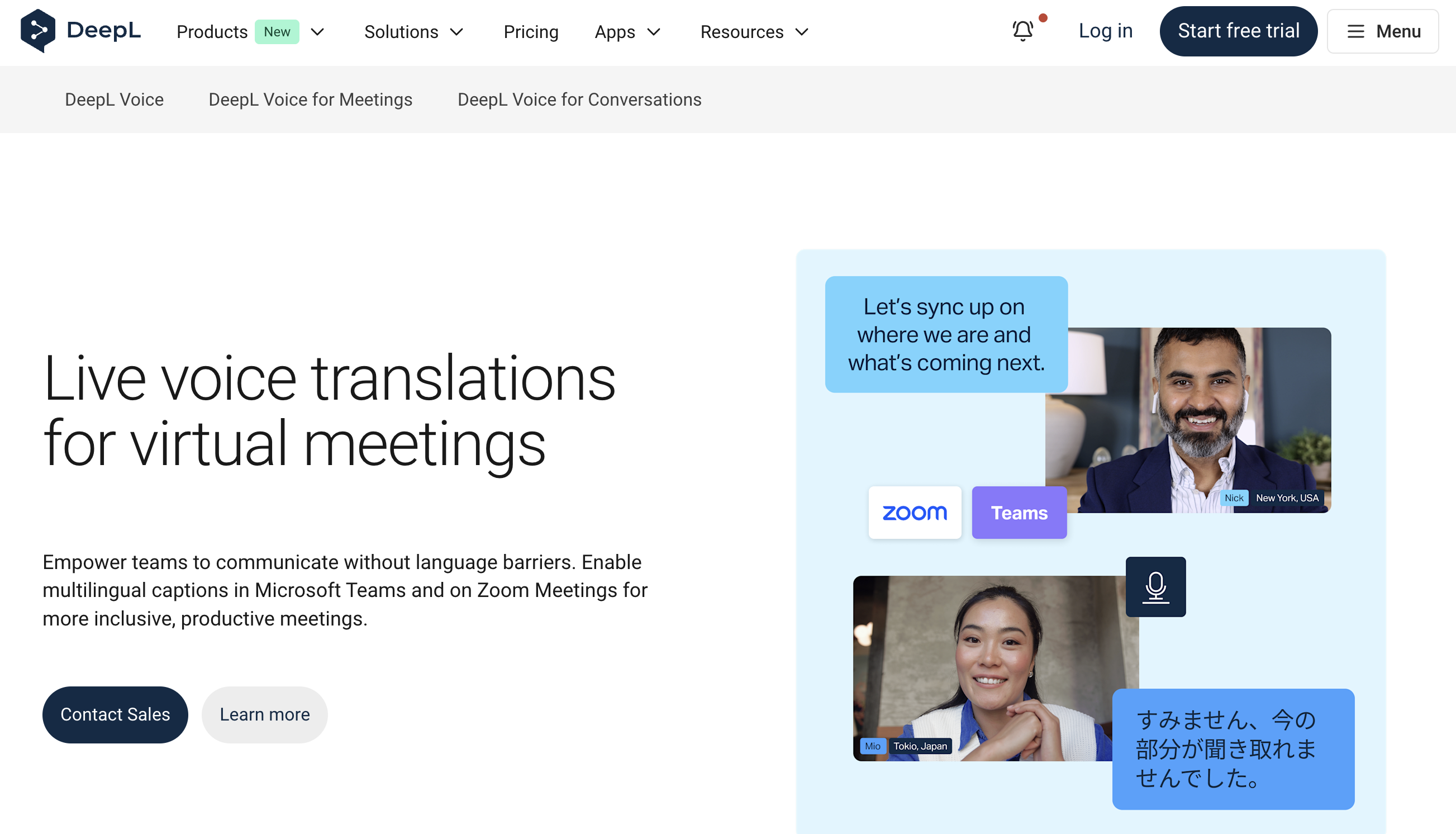
DeepL, known for its high-quality document translation, has extended its technology to live meetings with DeepL Voice.
Key features:
- Real-time translated captions in Microsoft Teams and Zoom
- Low-latency, high-accuracy captions tuned to speech patterns and accents
- Strong data security with ISO 27001 certification and no permanent storage of meeting data
What works well:
- DeepL's translation engine is well-regarded for natural-sounding output
- Enterprise-grade security features appeal to compliance-focused organizations
- Integrates directly with Teams and Zoom
What to consider:
- Custom pricing requires contacting sales
- Limited to Teams and Zoom—no support for Meet or other platforms
- Spoken language input supports a defined list of languages (Chinese, Dutch, English, French, German, Indonesian, Italian, Japanese, Korean, Polish, Portuguese, Romanian, Russian, Spanish, Swedish, Turkish, Ukrainian, and more)
Transync AI — Voice Translation for an Interpreter-Like Experience
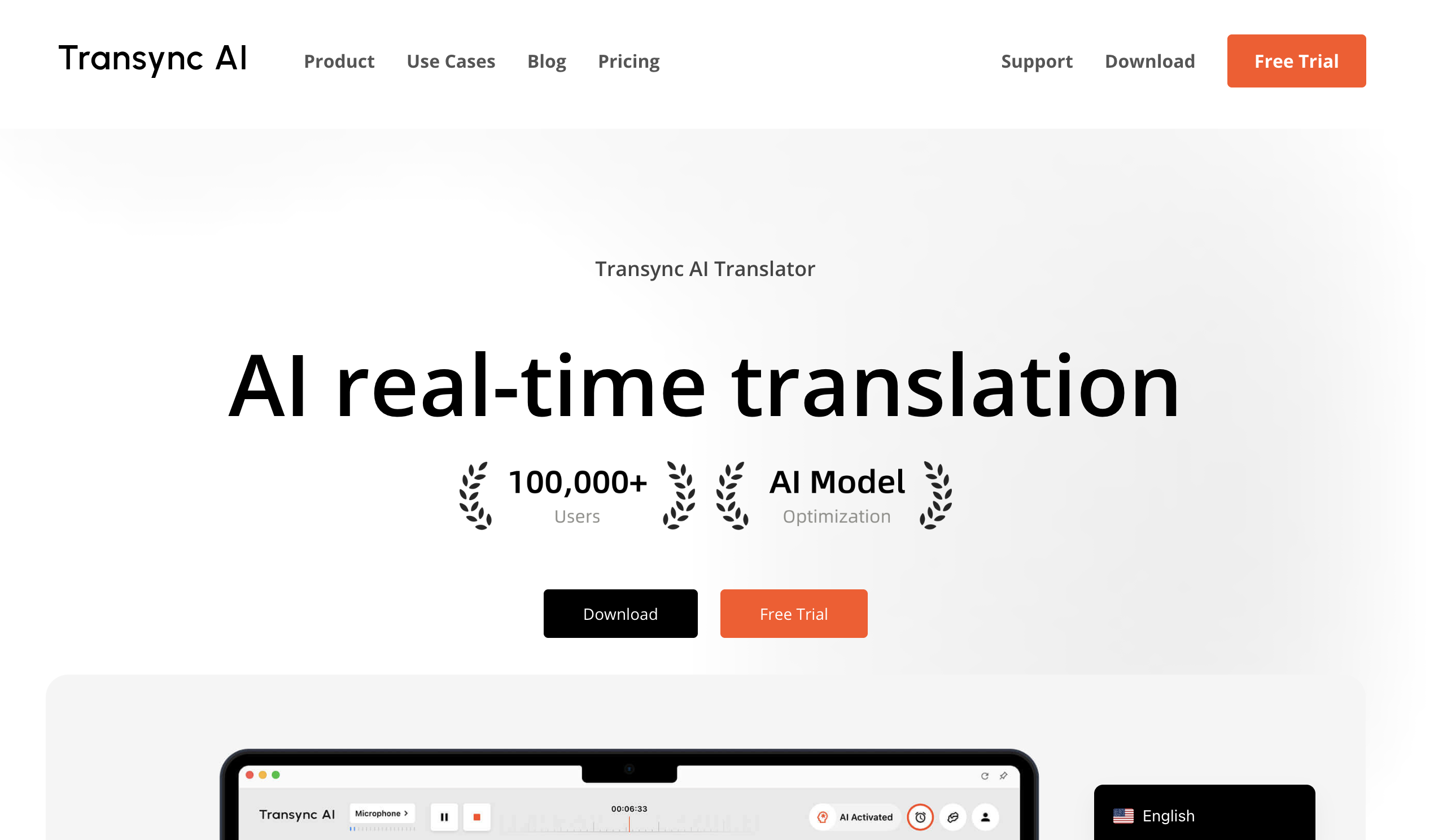
Transync AI positions itself as a real-time AI interpreter, supporting 60+ languages with voice playback that approximates the experience of having a human interpreter.
Key features:
- Dual-screen bilingual display with side-by-side translation
- AI voice read-out of translations—the translated content is spoken aloud
- Works across iOS, Android, Windows, and macOS
- Integration with Zoom, Teams, and Google Meet
What works well:
- Voice playback is helpful for those who struggle to keep up with reading subtitles
- Affordable pricing starting at $8.99/month with 10 hours included
- AI meeting summaries generated after calls
What to consider:
- Full voice playback practically requires earphones; managing original audio, interpreted audio, and your own thoughts can be cognitively demanding
- Mobile app usage requires planning your device arrangement alongside your PC screen
JotMe — Translation Plus AI Notes in One Package
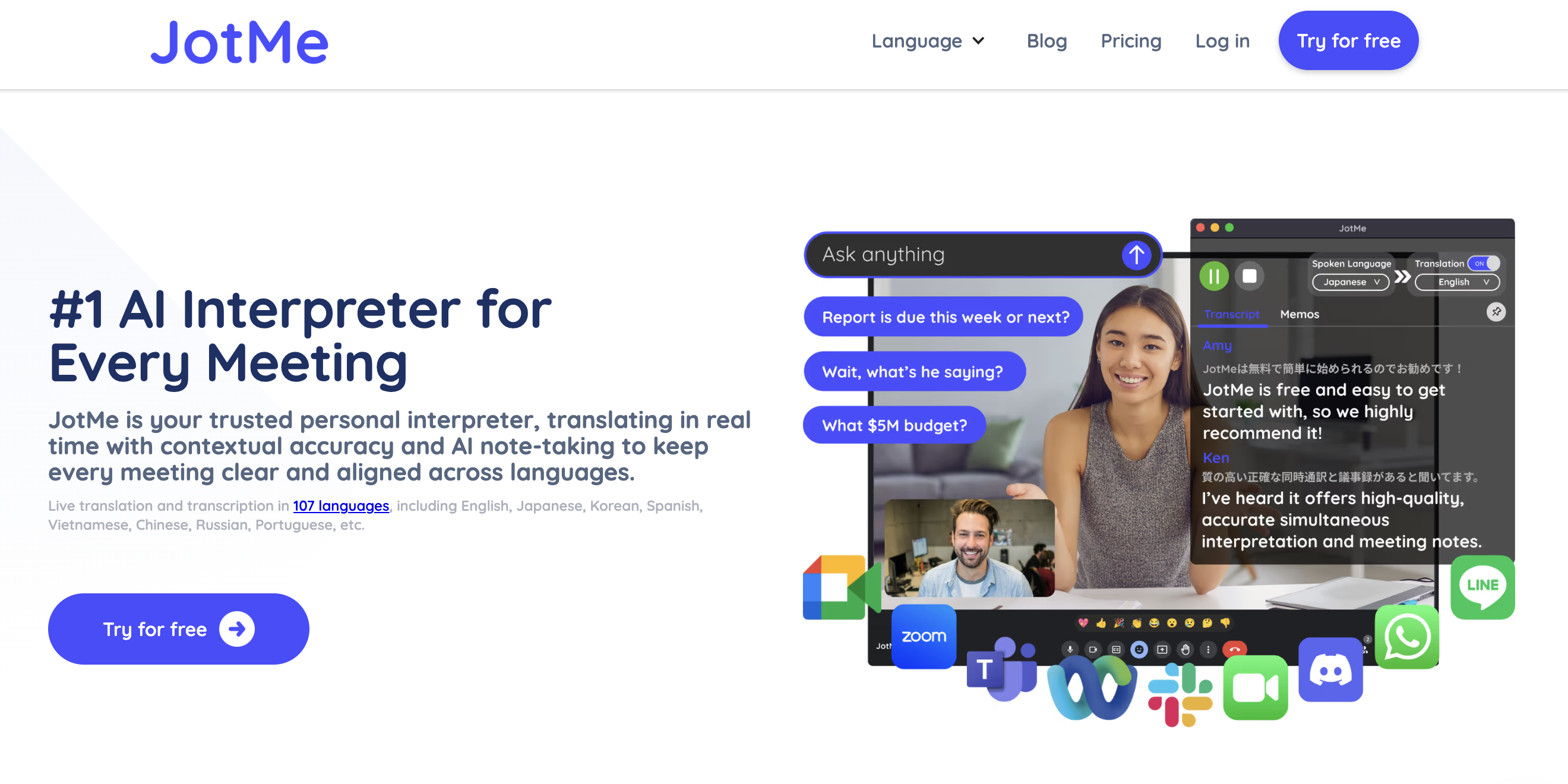
JotMe connects to meetings via Chrome extension or desktop app, providing real-time translated captions and AI-organized notes.
Key features:
- Real-time translated captions during meetings
- AI-generated notes and summaries post-meeting
- Support for 77+ languages
- In-meeting AI chat for real-time questions
What works well:
- Works well with browser-based meetings (especially Google Meet)
- Combines translation and meeting notes in one tool
- Human interpreter integration available for hybrid AI + human scenarios
What to consider:
- Some users on G2 have noted that meeting note accuracy could be improved
- Real-time text updates can sometimes feel jumpy, making it harder to follow during fast-paced discussions
Immersive Translate — Browser-Based Bilingual Experience
Originally designed for bilingual subtitles on web pages and videos, Immersive Translate has expanded to support online meeting translation.
Key features:
- Overlay translation captions on browser-based meetings
- Highly customizable subtitle layouts
- Works across 100+ video platforms beyond meetings
What works well:
- Excellent for users already familiar with the extension for video content
- Very flexible display customization options
What to consider:
- Assumes browser-based meeting participation; native app users (Zoom/Teams desktop) won't benefit fully
- Feature richness can feel overwhelming for new users
Category 3: Conference and Event Solutions
For larger-scale meetings—conferences, all-hands, investor presentations—specialized platforms offer capabilities beyond what typical meeting tools provide.
KUDO — Hybrid AI and Human Interpretation
KUDO combines AI translation with access to 12,000+ professional interpreters, making it ideal for high-stakes events where nuance matters.
Key features:
- Live AI speech translation in 60+ languages with audio and captions
- Native integration with Microsoft Teams; embeddable widget for Zoom, Hopin, On24, and more
- Multi-speaker mode with automatic language detection
- Multilingual recording with downloadable language-specific files
What works well:
- The hybrid model lets you use AI for routine content and human interpreters for critical sessions
- Extensive track record with large-scale conferences
- AI Assist provides real-time transcription to interpreters, improving their accuracy and endurance
What to consider:
- Costs are naturally higher than pure AI solutions
- Best suited for events rather than everyday meetings
Wordly AI — Scalable AI Translation for Events
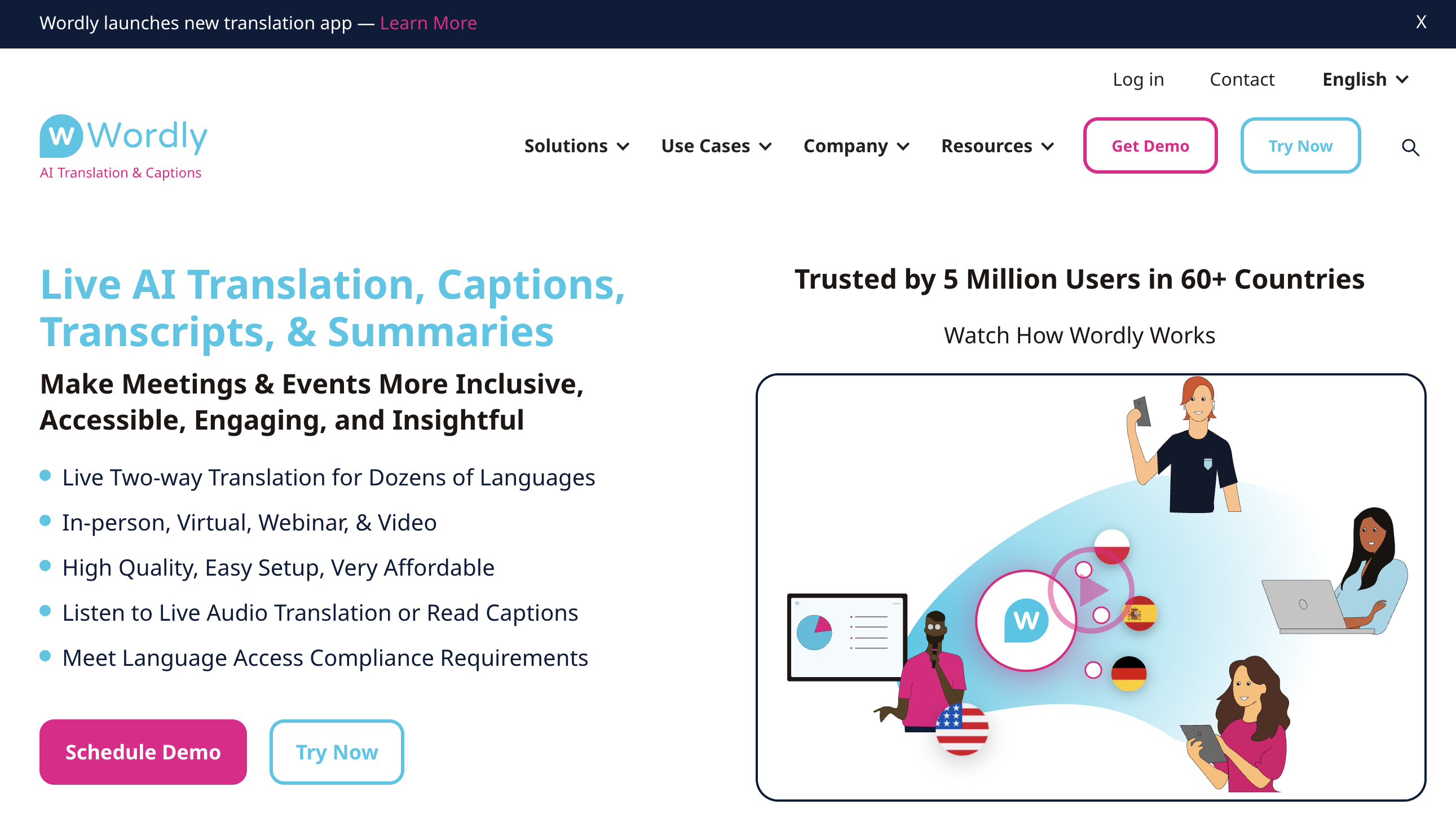
Wordly provides AI-powered translation, captions, transcripts, and summaries for meetings and events, supporting up to tens of thousands of participants.
Key features:
- 60+ languages without human interpreters
- Custom glossaries supporting up to 3,000 phrases
- Integrations with Cvent, Zoom, Teams, and major event platforms
- SOC 2 Type II compliant
What works well:
- Significantly lower cost than hiring human interpreters
- Proven at scale—5 million+ AI users across 100,000+ events
- Session summaries and transcripts automatically generated
What to consider:
- Pricing starts at $75/hour with volume discounts; packages begin at 10 hours
- Requires session planning and link distribution—more setup than everyday meeting tools
Interprefy — Enterprise Multilingual Event Platform
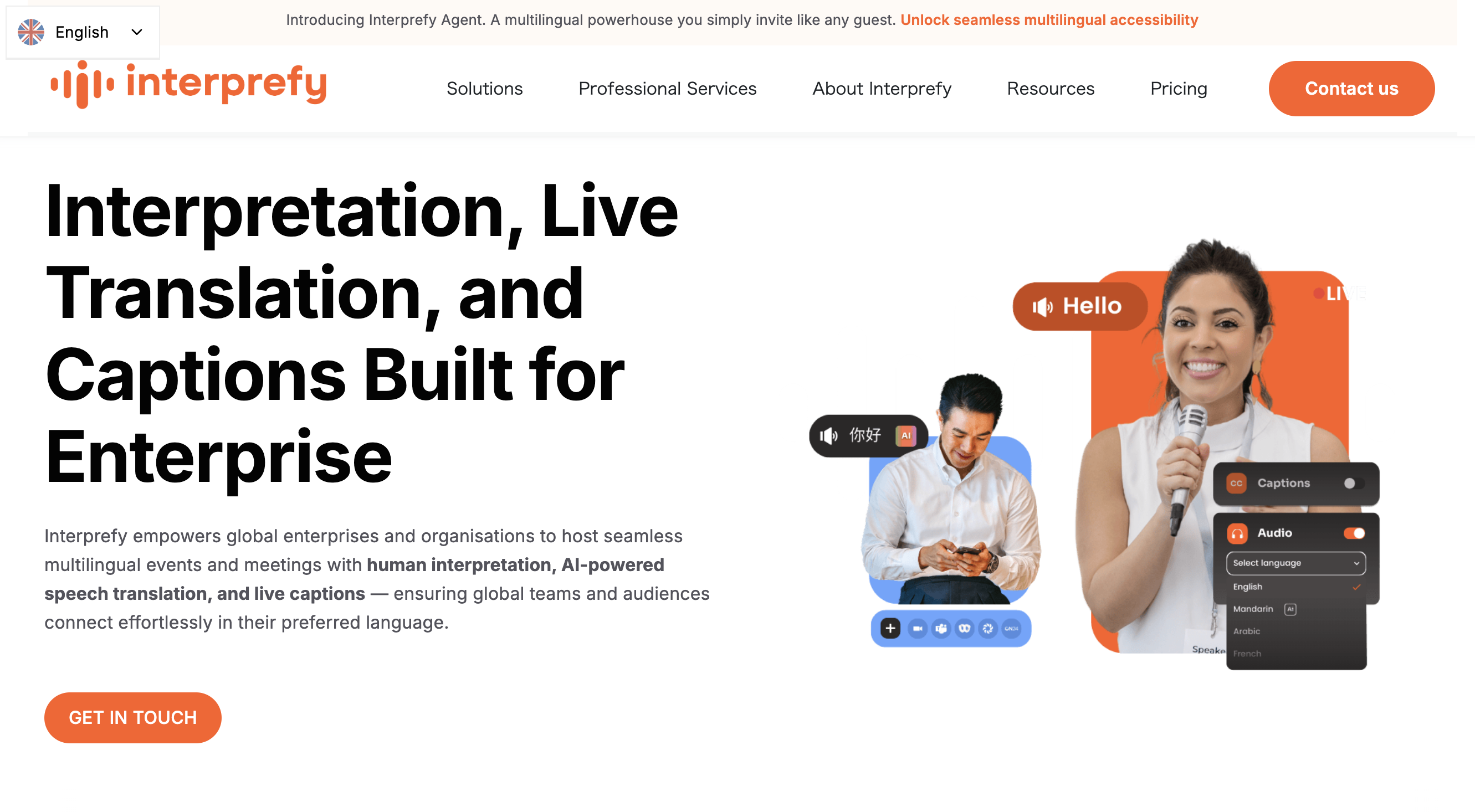
Interprefy serves global enterprises with remote simultaneous interpretation, AI speech translation, and live captions across 6,000+ language combinations.
Key features:
- Access to 6,000+ professional interpreters
- Integrates with 80+ meeting platforms
- Interprefy Now: mobile-first solution for spontaneous in-person multilingual interactions
- End-to-end encryption and strict access controls
What works well:
- Enterprise-level support including complex booth setups
- Designed with accessibility in mind, including features for hearing-impaired participants
- Flexible per-event pricing—no mandatory annual subscriptions
What to consider:
- Custom pricing based on event requirements
- Overkill for small-scale or everyday meetings
Stenomatic — AI Translation with Custom Terminology
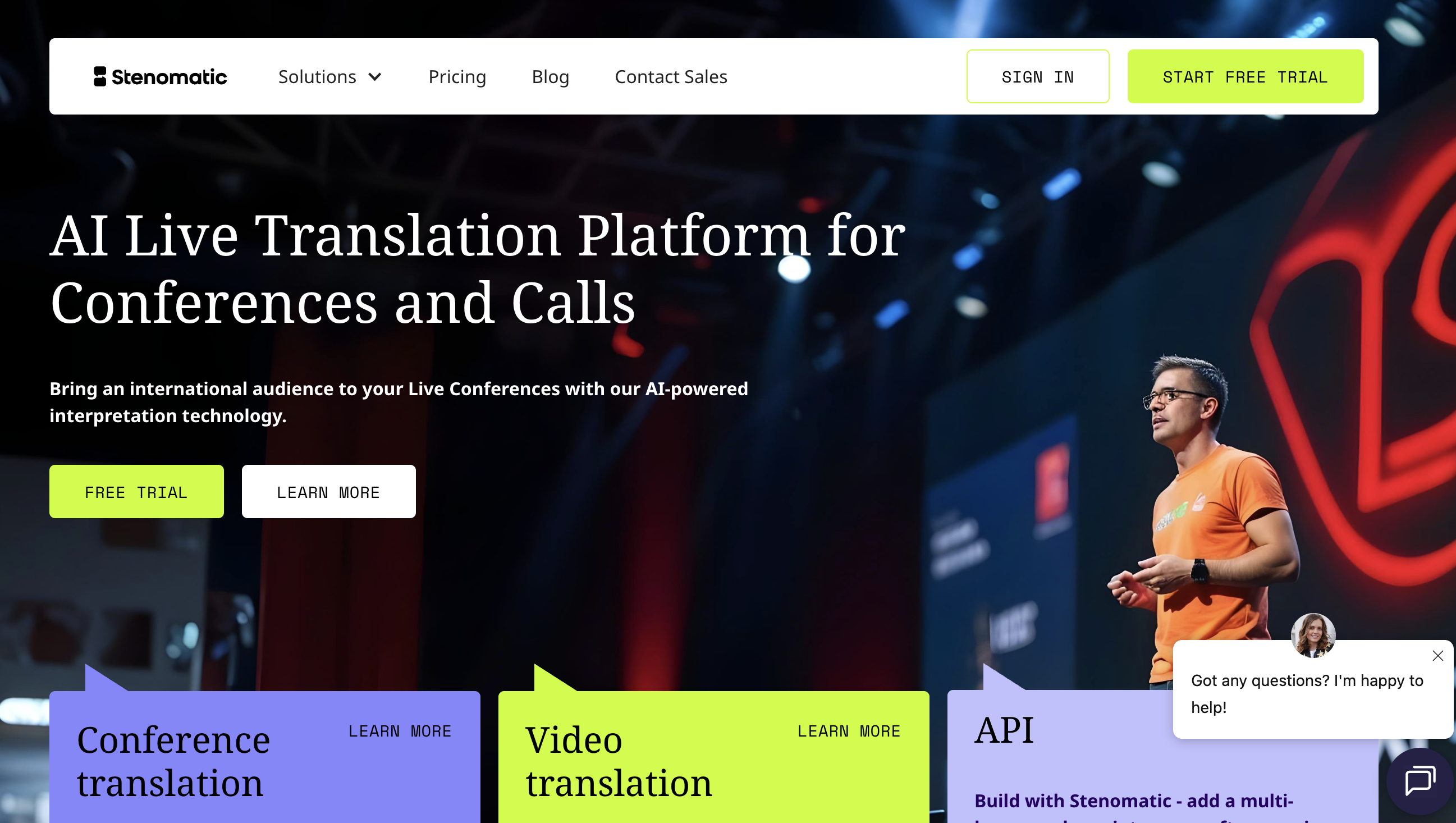
Stenomatic focuses on live translation for conferences and meetings, with particular strength in custom terminology handling.
Key features:
- Voice-to-voice interpretation in 132+ languages
- No app downloads required—audience accesses via web link
- Custom vocabulary import for industry-specific terms
- Custom model training available for specialized use cases
What works well:
- Quick setup (under 2 minutes for most events)
- Strong support for technical or specialized domains
What to consider:
- Pricing requires contacting the company directly; some third-party sources indicate $750/month plus pay-as-you-go at $1.25/minute
- Primarily positioned for events rather than routine meetings
How to Choose: Matching Tools to Your Situation
With so many options, the right choice depends on your specific context. Here's how to think through it:
"We want to minimize costs and use what we already have"
Start with the built-in features of your primary meeting platform (Zoom AI Companion, Google Meet translated captions, or Teams live captions). Test them in real meetings to see if accuracy and latency are acceptable for your needs.
Move to dedicated tools when you encounter:
- IT restrictions preventing feature enablement
- Language pairs not supported by your platform
- Clients or partners using different platforms
- Need for consistent experience across multiple tools
"We regularly switch between Zoom, Teams, and Meet"
Platform-independent tools running on your device—not inside the meeting—provide the most consistent experience. SuperIntern, Transync AI, and similar botless solutions work regardless of which platform you're using.
"We can't have a bot appearing in our meetings"
For external meetings, client calls, or sensitive 1-on-1s, botless tools are essential. SuperIntern, Transync AI, and Immersive Translate capture audio directly from your computer without joining the call as a visible participant.
"We're running large conferences or all-hands meetings"
Consider purpose-built event platforms:
- Wordly AI — cost-effective, fully AI-powered multilingual support
- KUDO — hybrid human + AI for critical sessions
- Interprefy — enterprise-grade with full event operations support
"We need translation and meeting notes together"
If your goal is both understanding the conversation in real time and having organized notes afterward, tools like SuperIntern and JotMe combine these capabilities. SuperIntern's real-time structured notes are particularly valuable for following complex discussions.
The Best Translation Tool for Business Meetings in 2026
There's no single "best" tool—the right choice depends on your meeting patterns, platform mix, and specific requirements.
However, if your team:
- Operates across multiple meeting platforms
- Has members who need real-time translation support
- Values discretion (no bots appearing in calls)
- Wants both translation and intelligent meeting notes
...then SuperIntern deserves serious consideration. Its combination of platform independence, high translation accuracy, botless operation, and real-time structured notes addresses the most common pain points we hear from global teams.
👉 Try SuperIntern Free — No Credit Card Required
Whatever tool you choose, the investment in removing language barriers pays dividends in faster decisions, fewer misunderstandings, and more inclusive collaboration across your global team.